> ## Documentation Index
> Fetch the complete documentation index at: https://infisical.com/docs/llms.txt
> Use this file to discover all available pages before exploring further.
# Key Management Service (KMS) Configuration
> Learn how to configure your project's encryption
## Introduction
Infisical leverages a Key Management Service (KMS) to securely encrypt and decrypt secrets in your projects.
## Overview
Infisical's KMS ensures the security of your project's secrets through the following mechanisms:
* Each project is assigned a unique workspace key, which is responsible for encrypting and decrypting secret values.
* The workspace key itself is encrypted using the project's configured KMS.
* When secrets are requested, the workspace key is derived from the configured KMS. This key is then used to decrypt the secret values on-demand before sending them to the requesting client.
## Configuration
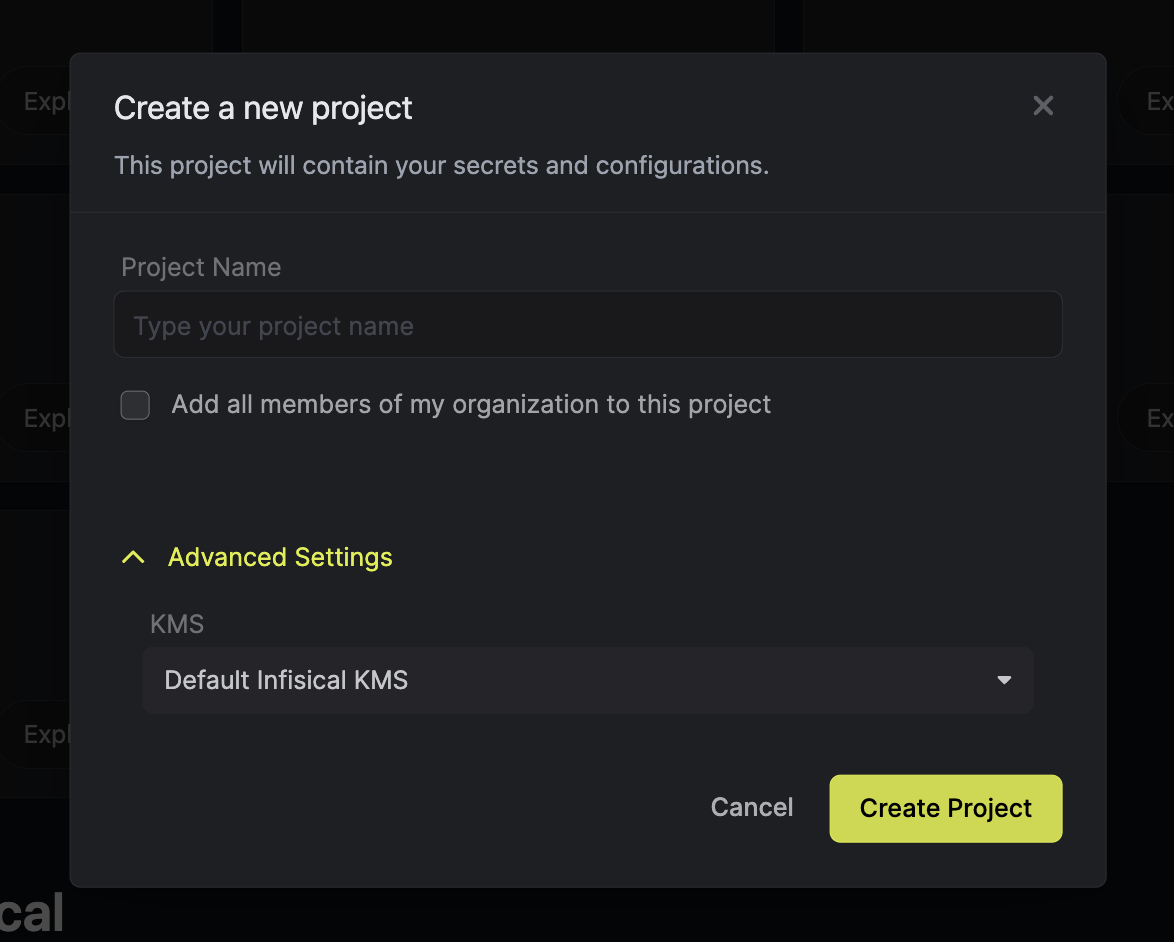
You can set the KMS for new projects during project creation.
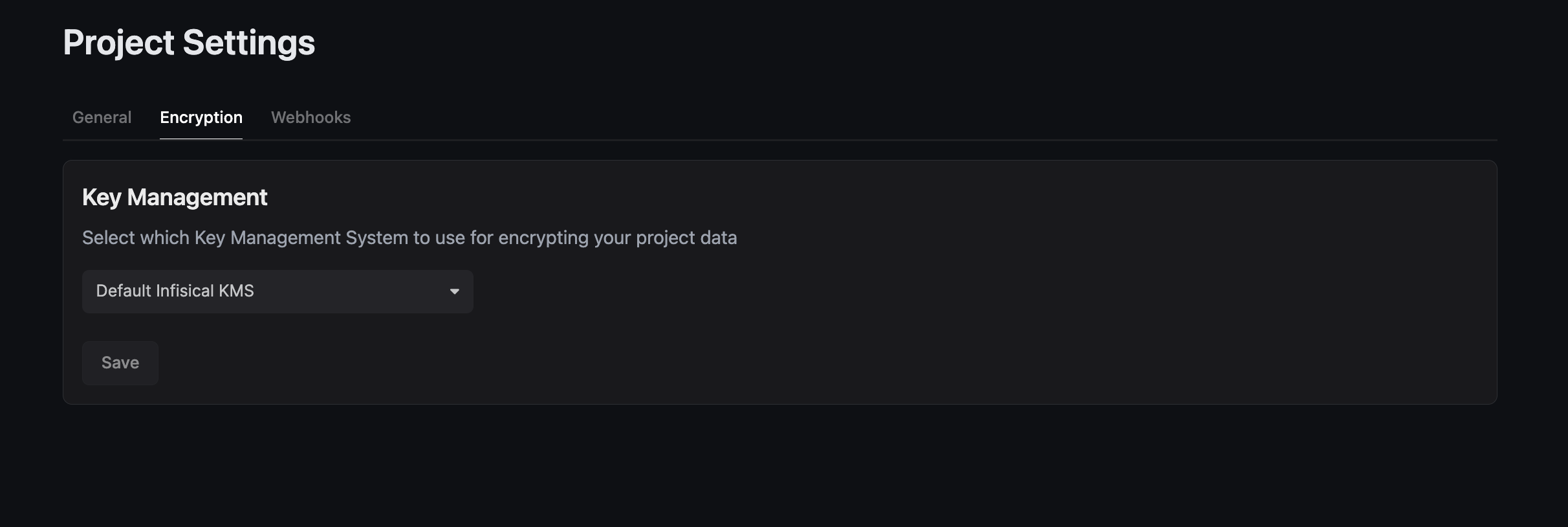
 For existing projects, you can configure the KMS from the Project Settings page.
 ## External KMS
Infisical supports the use of external KMS solutions to enhance security and compliance. You can configure your project to use services like [AWS Key Management Service](./aws-kms) or [GCP Key Management Service](./gcp-kms) for managing encryption.
## External KMS
Infisical supports the use of external KMS solutions to enhance security and compliance. You can configure your project to use services like [AWS Key Management Service](./aws-kms) or [GCP Key Management Service](./gcp-kms) for managing encryption.