

-
Select the
Editbutton next to the set of roles for user or identities.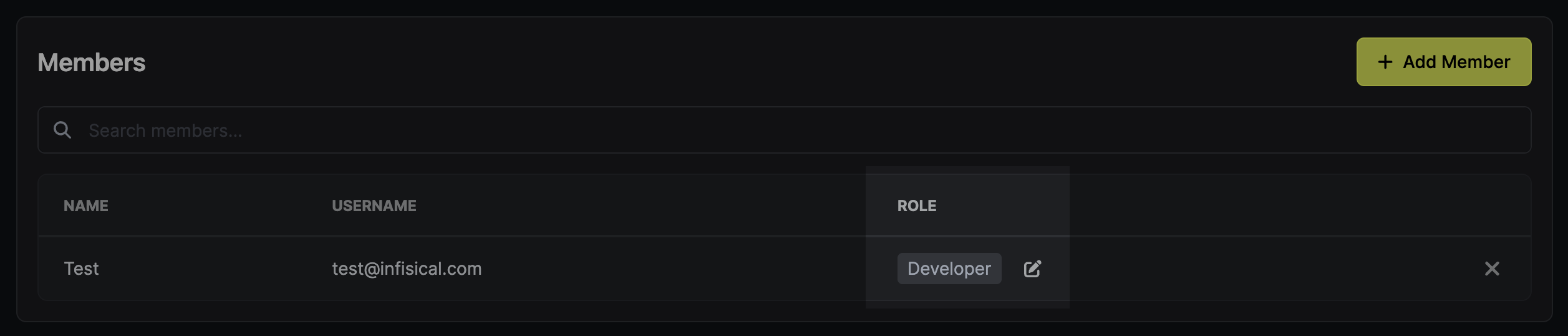
-
Select
Permanentnext to the role or specific privilege that you want to make temporary. -
Specify the duration of temporary access (e.g.,
1m,2h,3d).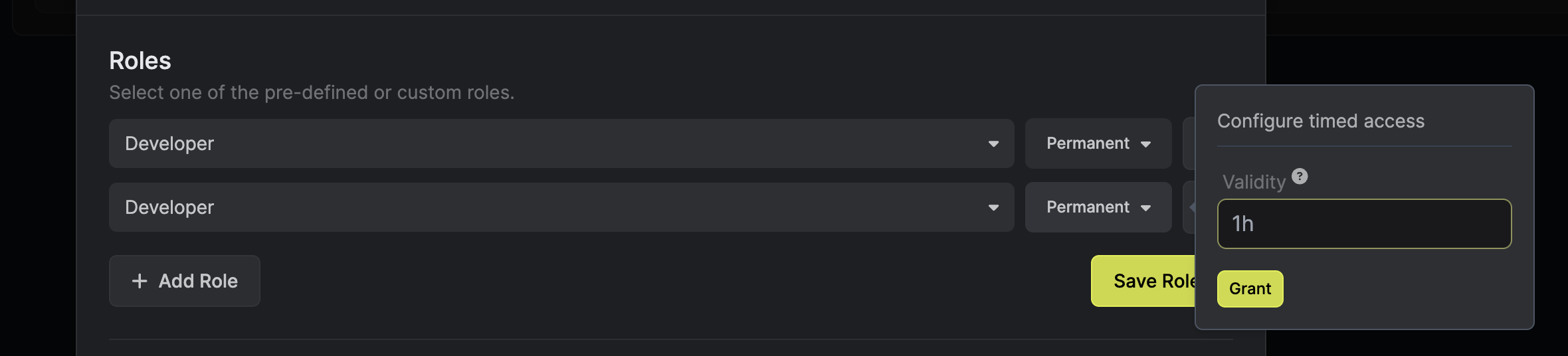
-
Select
Configure. -
Select the corresponding
Savebutton to enable temporary access.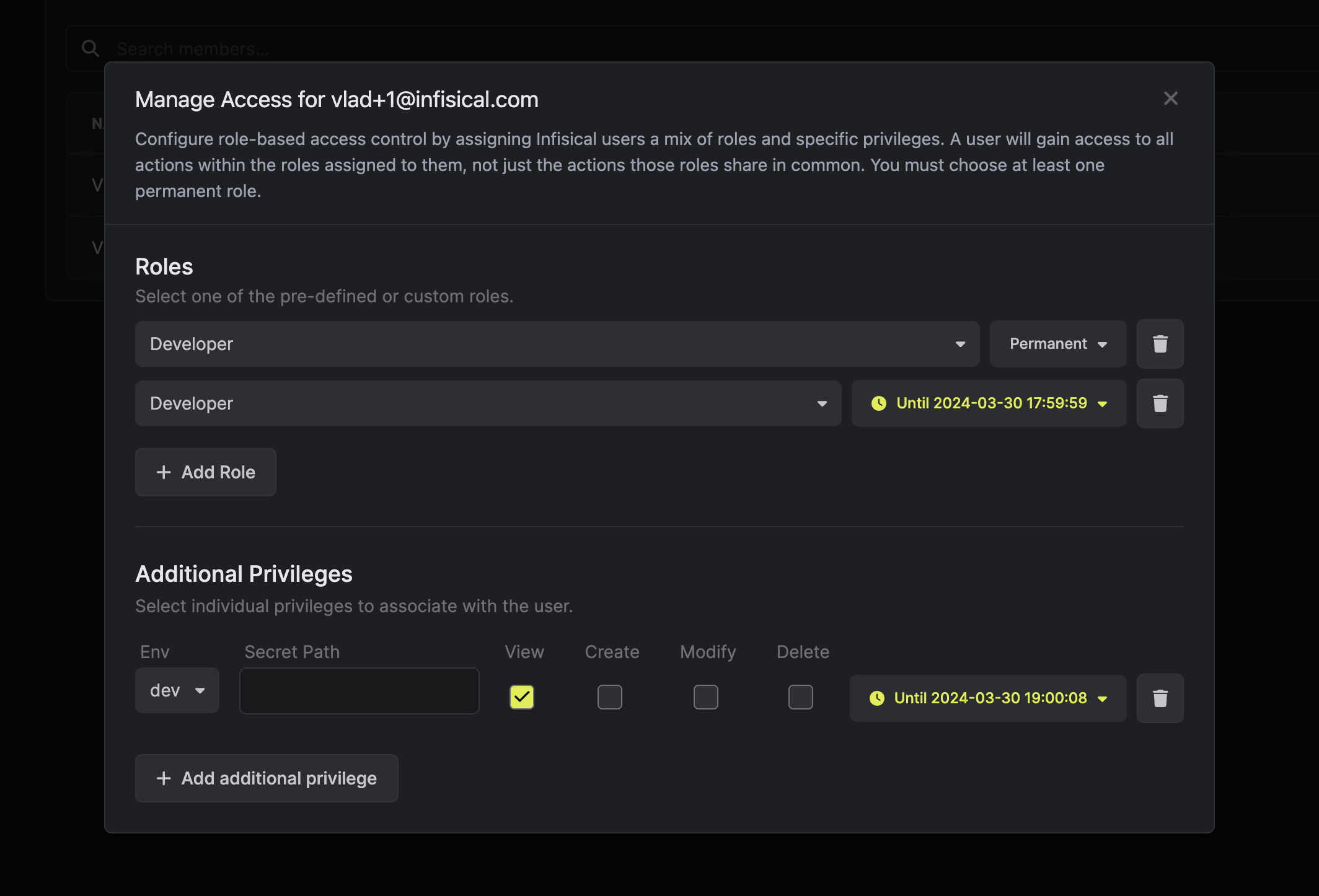
Every user and machine identity should always have at least one permanent role attached to it.