

- Product membership: being added to the project
- Access bundle grants: being granted an access bundle, which lets you create sessions with it
Access control doesn’t directly apply to the actual agents you run through Agent Vault:
- A user or machine identity uses their access to create a session with an associated access bundle
- Agents can only make requests that are allowed by their session’s access bundle
Product membership
Each Agent Vault project has its own member list, and membership in one project gives no access to another. Each member of a project has one of two roles:
An admin can use every access bundle without a grant. A member can’t use an access bundle until an admin grants it, and only sees the bundles granted to them. On the Sessions page, members see their own sessions, and admins can switch between All Sessions and My Sessions.
If you’re an organization admin, you can add yourself to any project with the Admin role by selecting Join as Admin (see Join as an organization admin). You don’t need another admin to add you.
Adding members
You need the Admin role in the project to add members.
1
In your Agent Vault project, go to Access Control.
2
Select the Users, Machine Identities, or Groups tab.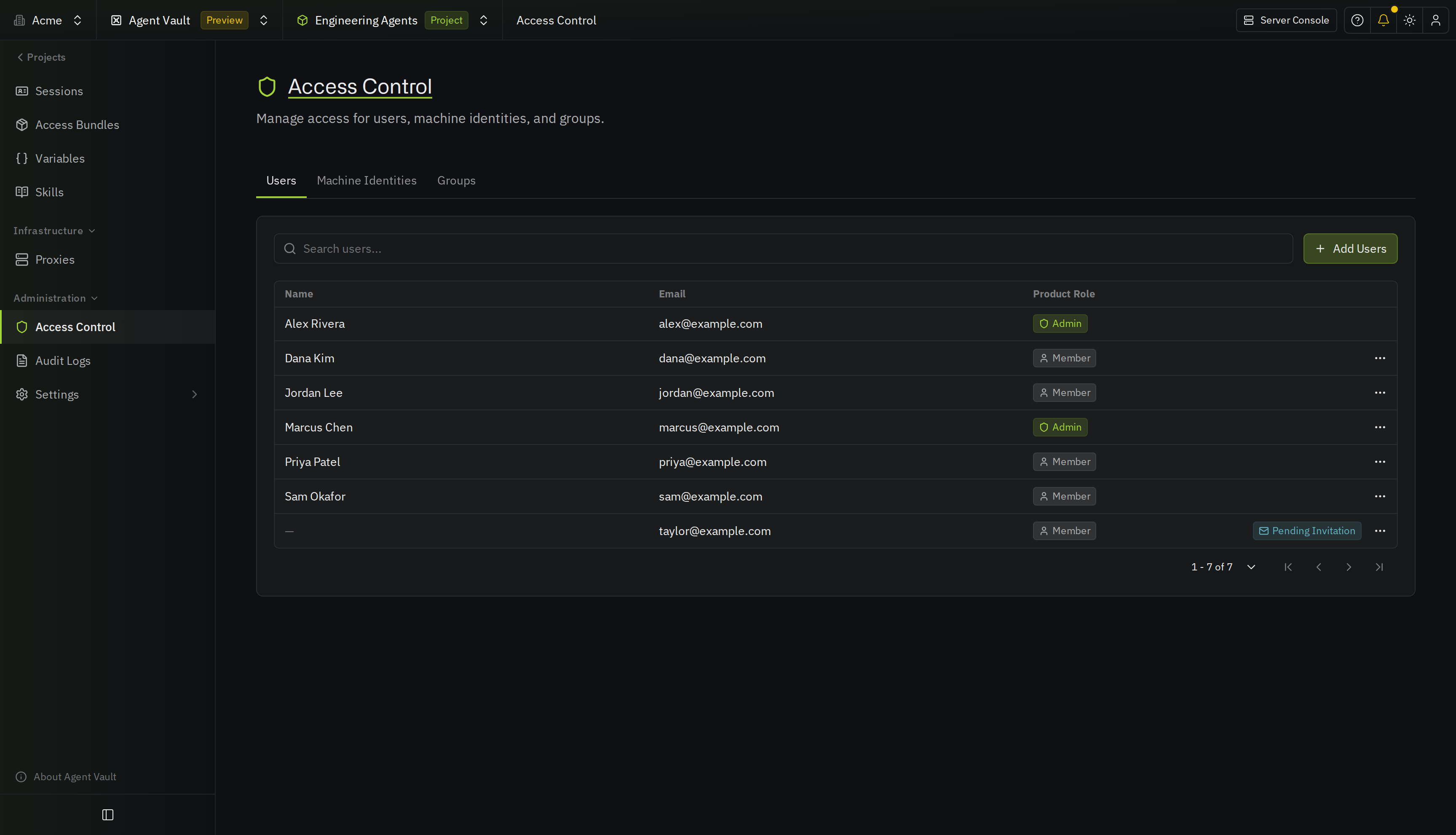
3
Select Add Users, Add Machine Identity, or Add Group.
4
Select who to add, and choose Admin or Member in Product Role.
You can’t change your own role or remove your own access. Ask an admin if you need to do either.
Access bundle grants
Adding someone to a project doesn’t automatically give their agents access to any external APIs. They also need a grant on an access bundle, which defines the external APIs their agents can access during a session.You need the Admin role in the project to grant access bundles.
Groups
If you grant an access bundle to a group, every member of that group gets access to it, and each member can independently create sessions.If someone joins the group, they inherit access to the bundle. If they leave the group, or someone deletes the group, they lose access to the bundle. Infisical also deletes their personal values for the bundle, unless they can still use it another way, such as through a direct grant, another group, or the Admin role.