

Project and organization scope
Each Agent Vault project has its own:- Members and their project roles
- Access bundles, services, and variables
- Personal variables and personal values, which each member sets up separately in each project
- Skills
- Sessions and proxies (a session only works through a proxy in the same project)
- Session log settings, including where the logs are stored
- Audit logs
Users and groups belong to your organization, and you add them to each project they need. A machine identity can belong to your organization, or you can create one inside a single project.Your organization role controls whether you can create projects and whether you can join any project as an admin, while your project role controls what you can do inside a project.
Create a project
Organization admins and members can create projects by default.1
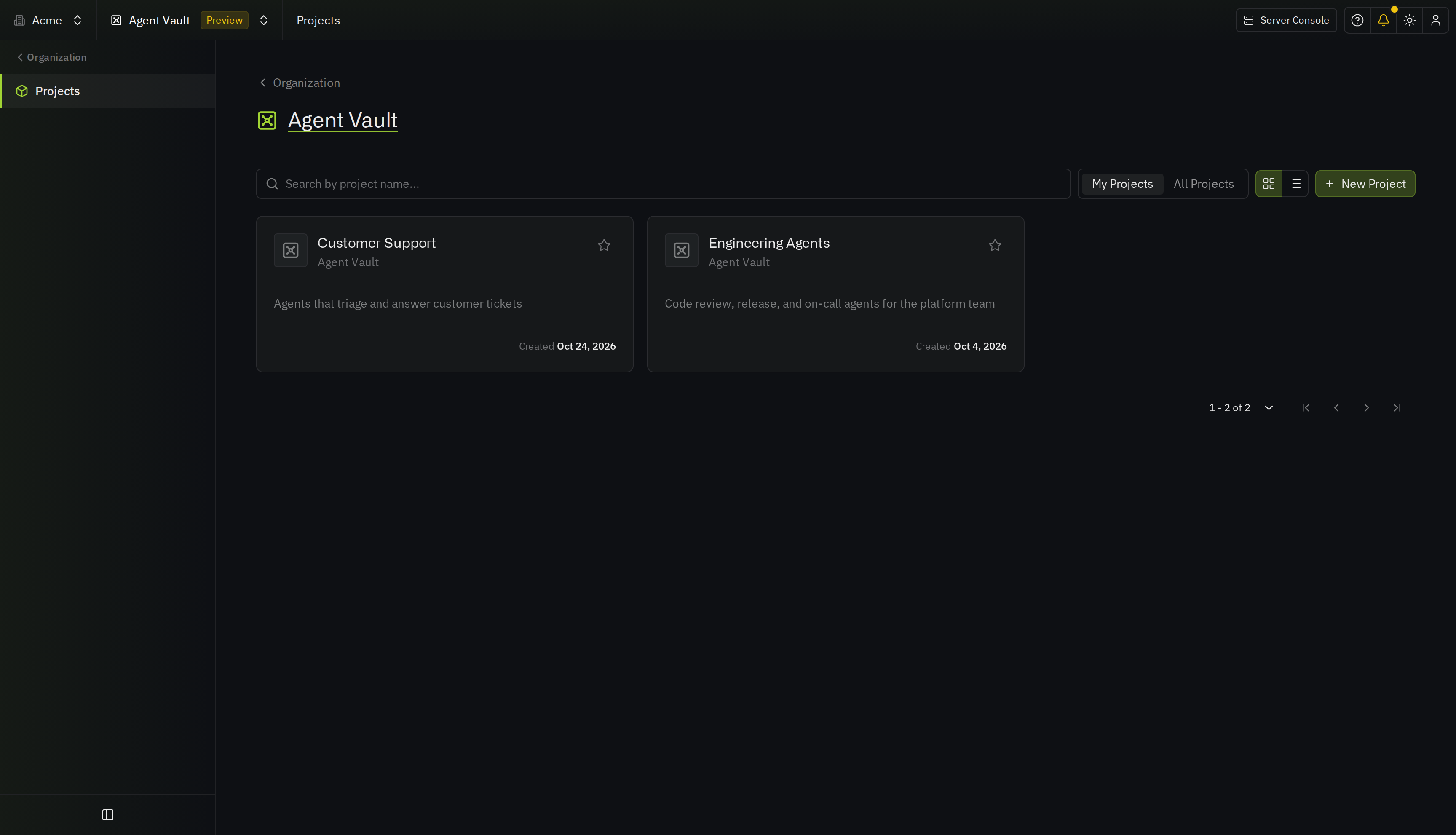
On your organization’s overview, select Agent Vault.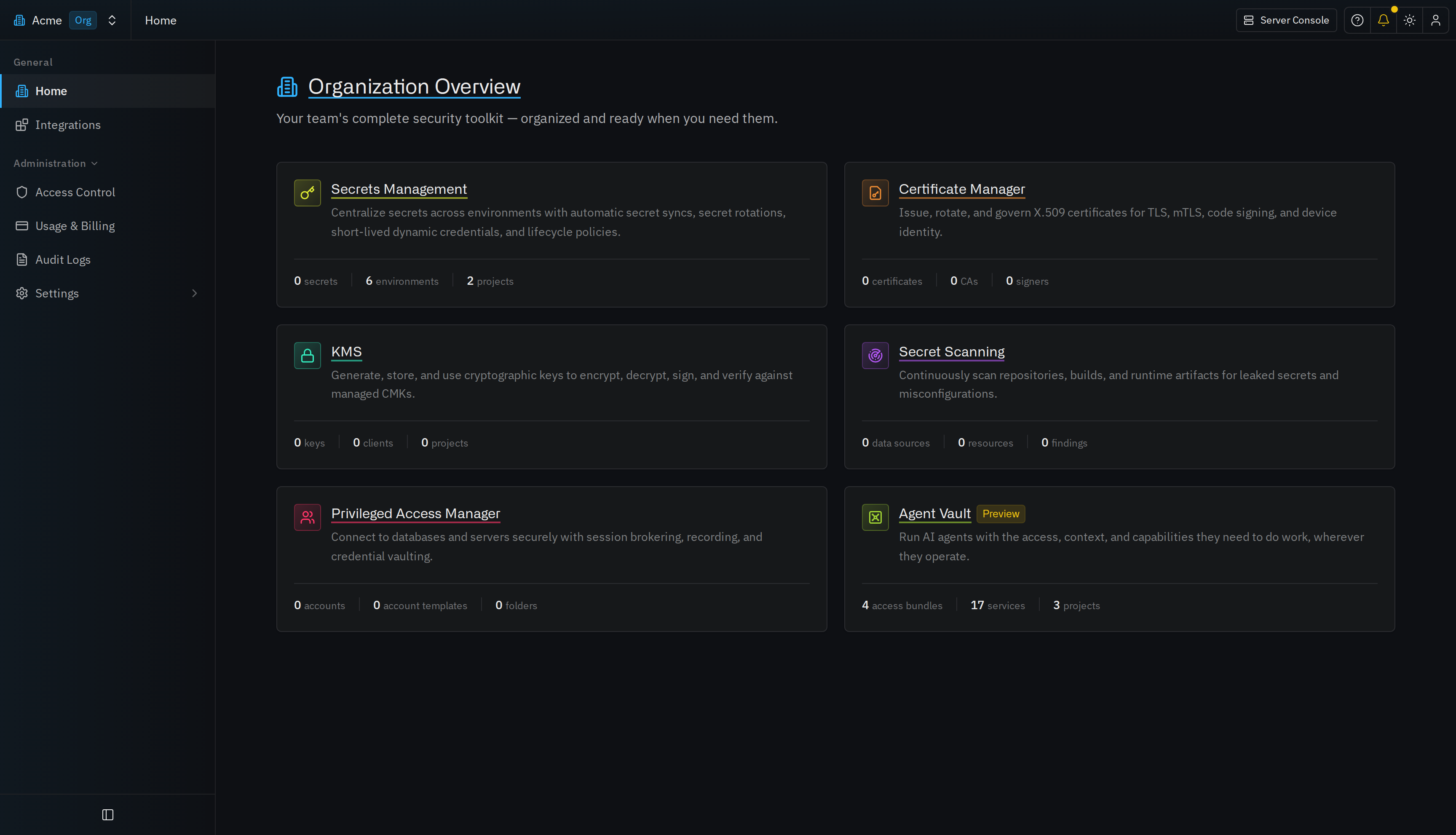
2
Select New Project, enter a Project Name, then select Create Project.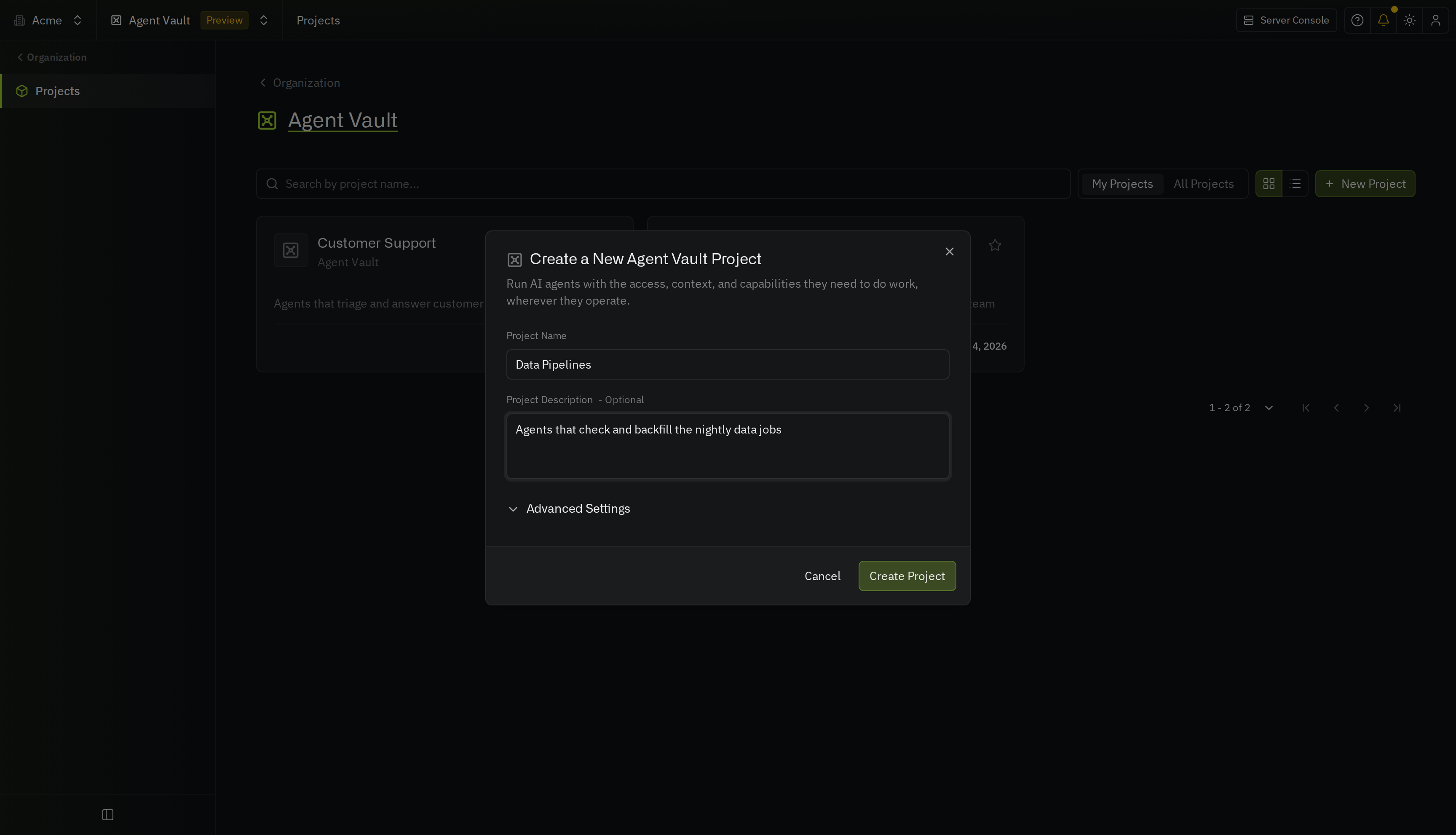
Join a project
A project admin can add you to the project. If no one has added you, you can request access, or join on your own if you’re an organization admin.Request access
1
On your organization’s overview, select Agent Vault, then select the All Projects tab.
2
On the project’s row, select Request Access.
3
Optionally, enter a Note for the project’s admins, then select Submit Request.
Join as an organization admin
Organization admins aren’t automatically members of every Agent Vault project. To join a project you aren’t a member of:1
On your organization’s overview, select Agent Vault, then select the All Projects tab.
2
On the project’s row, select Join as Admin. If you’re already a member through a group, the button is Become Admin.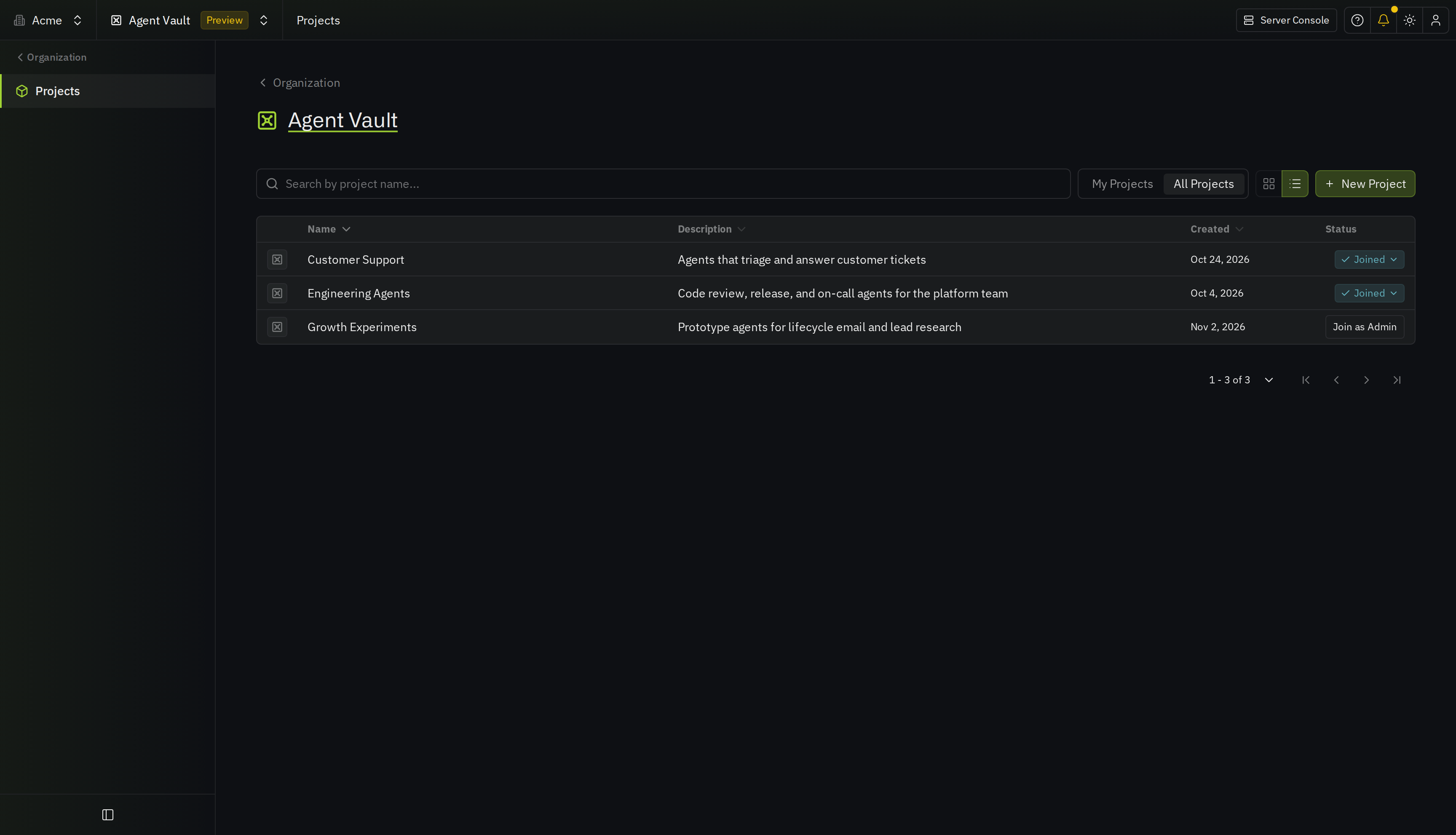
Find the project ID
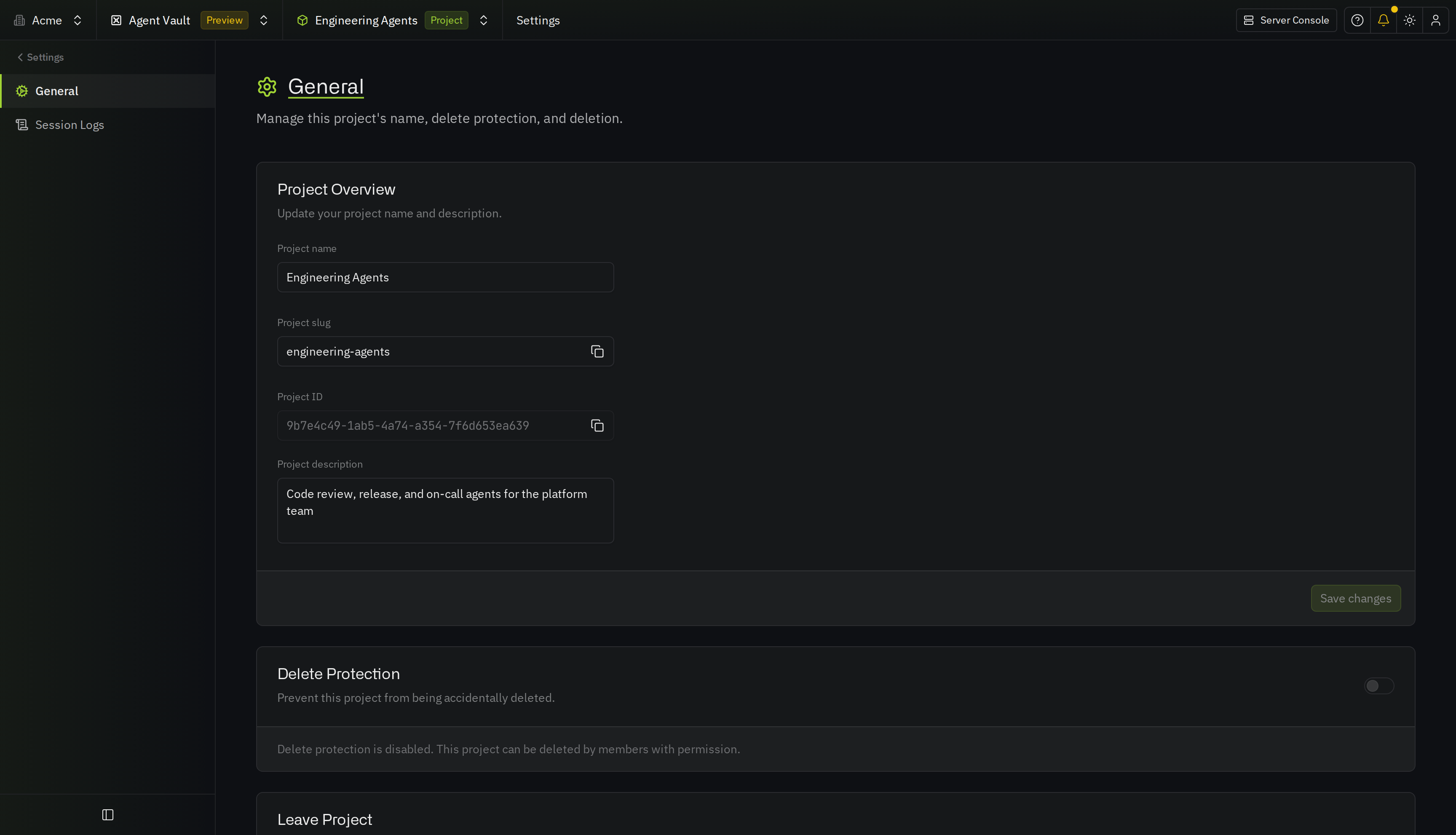
The API and the Infisical CLI need the ID of the Agent Vault project to work in. To find it, open the project, go to Administration > Settings, and copy the Project ID. The ID is also in the project’s address in your browser, after/projects/agent-vault/.
Delete a project
Only an admin of the project can delete it. You can’t undo deleting a project.1
In the project, go to Administration > Settings.
2
If Delete Protection is on, turn it off.
3
Select Delete followed by the project’s name, type 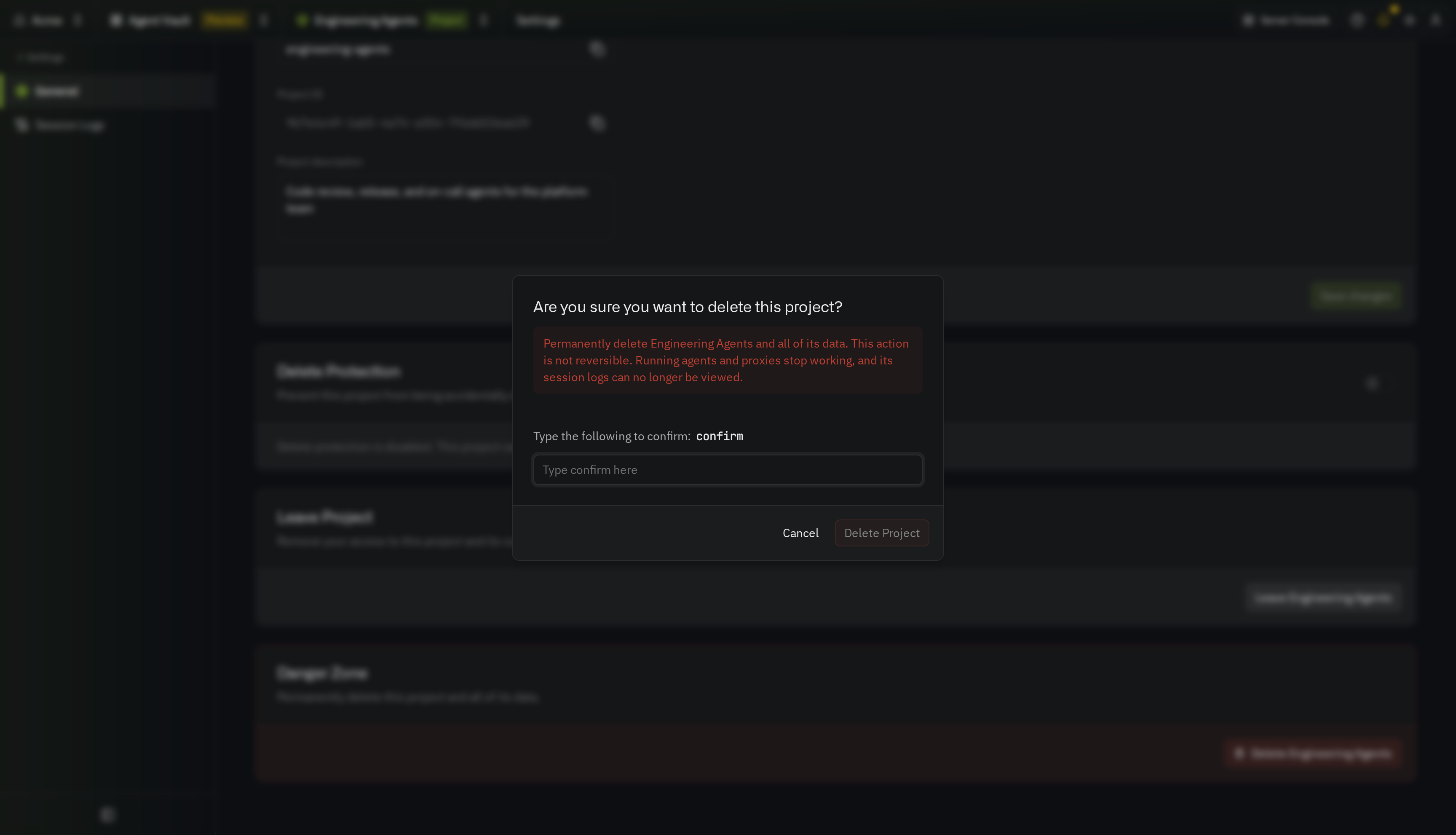
confirm, then select Delete Project.- Agents that use the project’s sessions stop getting credentials, and the project’s proxies stop working
- You can no longer view the project’s session logs