

Prerequisites
- An Infisical organization where you can create projects (organization admins and members can by default)
- The API keys your agent uses, such as its model provider’s key
Step 1: Create an Agent Vault project
An Agent Vault project holds the credentials, members, and proxies for one agentic system or team. If you already have a project for this agent, such as My first project, open it and skip to Step 2.1
On your organization’s overview in Infisical, select Agent Vault.
2
Select New Project, enter a Project Name, then select Create Project.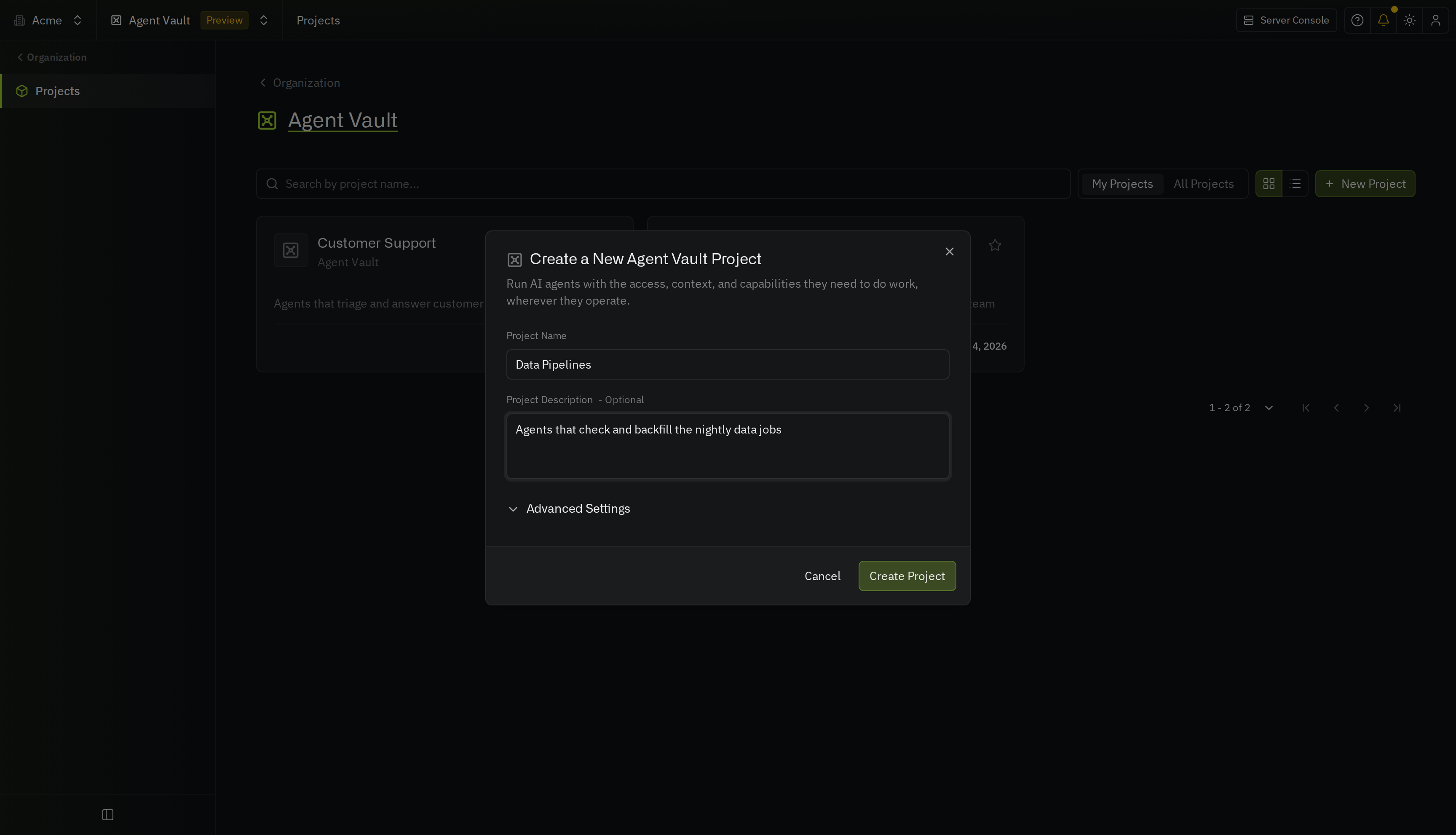
Step 2: Add your credentials
- Infisical dashboard
- API
Create an access bundle
In Agent Vault, an access bundle defines the services your agents can reach. To create an access bundle:1
In your Agent Vault project, go to Access Bundles.
2
Select Create Access Bundle. Give the access bundle a Name, such as 
code-review, then select Create Access Bundle.Add a service
Next, add a service for each key your agent uses.What services do I need?
What services do I need?
- Its model provider’s API key, such as
ANTHROPIC_API_KEY, if the agent uses one - Each API it calls, such as GitHub
- For a messaging gateway, the platform’s token (see the keys that Hermes or OpenClaw uses)
- Each remote MCP server it connects to, such as Linear’s, which you can sign in to with OAuth instead of a key (see add an MCP server)
1
In the access bundle, select Add Service.
2
On the Choose a template panel, pick the template for the API, or select Custom HTTP API.
3
On the Details step, check the hosts the service covers, or enter the API’s host if you selected Custom HTTP API. Select Continue.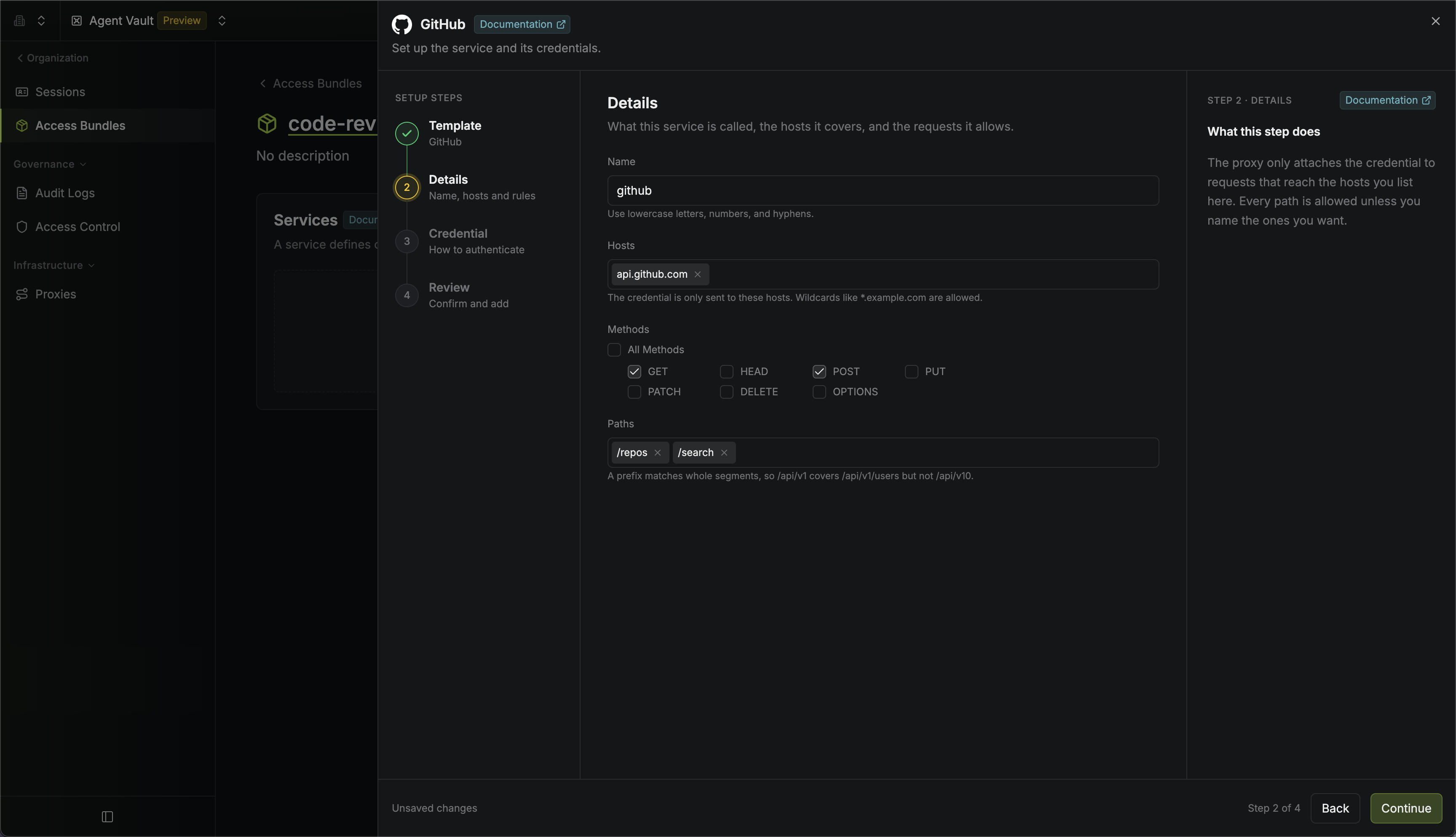
4
On the Credential step, paste the real key, then select Continue.
If the API takes the key somewhere other than a header, such as a bot token in the URL, add a substitution instead. Your agent sends the placeholder you enter in Replace.
5
On the Review step, select Add Service. Repeat from the first step for each remaining key.
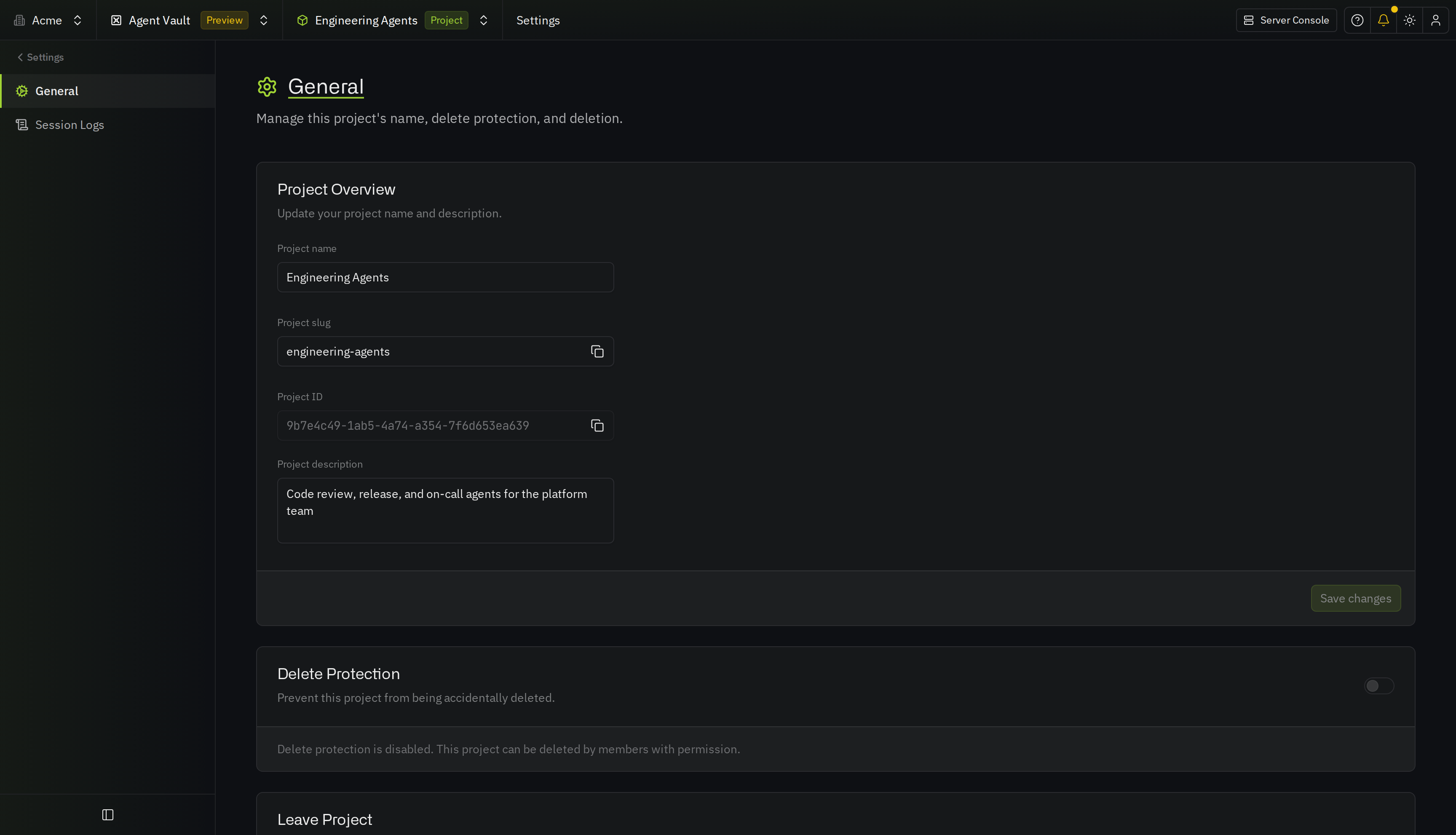
Step 3: Connect your agents
Pick the guide for where your agents run. Each guide continues from the access bundle you just created.
Modal
Run an Agent Vault proxy in each Modal sandbox so the agent never has access to a credential.

Daytona
Run an Agent Vault proxy beside each Daytona sandbox so the agent never has access to a credential.
Kubernetes
Learn how to run AI agents in Kubernetes pods that contain no credentials and can only connect to the Agent Vault proxy.

Docker
Run an Agent Vault proxy beside each agent container so the agent never has access to a credential.

E2B sandboxes
Run an Agent Vault proxy for your E2B sandboxes so the agent never has access to a credential.

Cursor Cloud Agents
Run an Agent Vault proxy beside your Cursor workers on Kubernetes so the agent never has access to a credential.