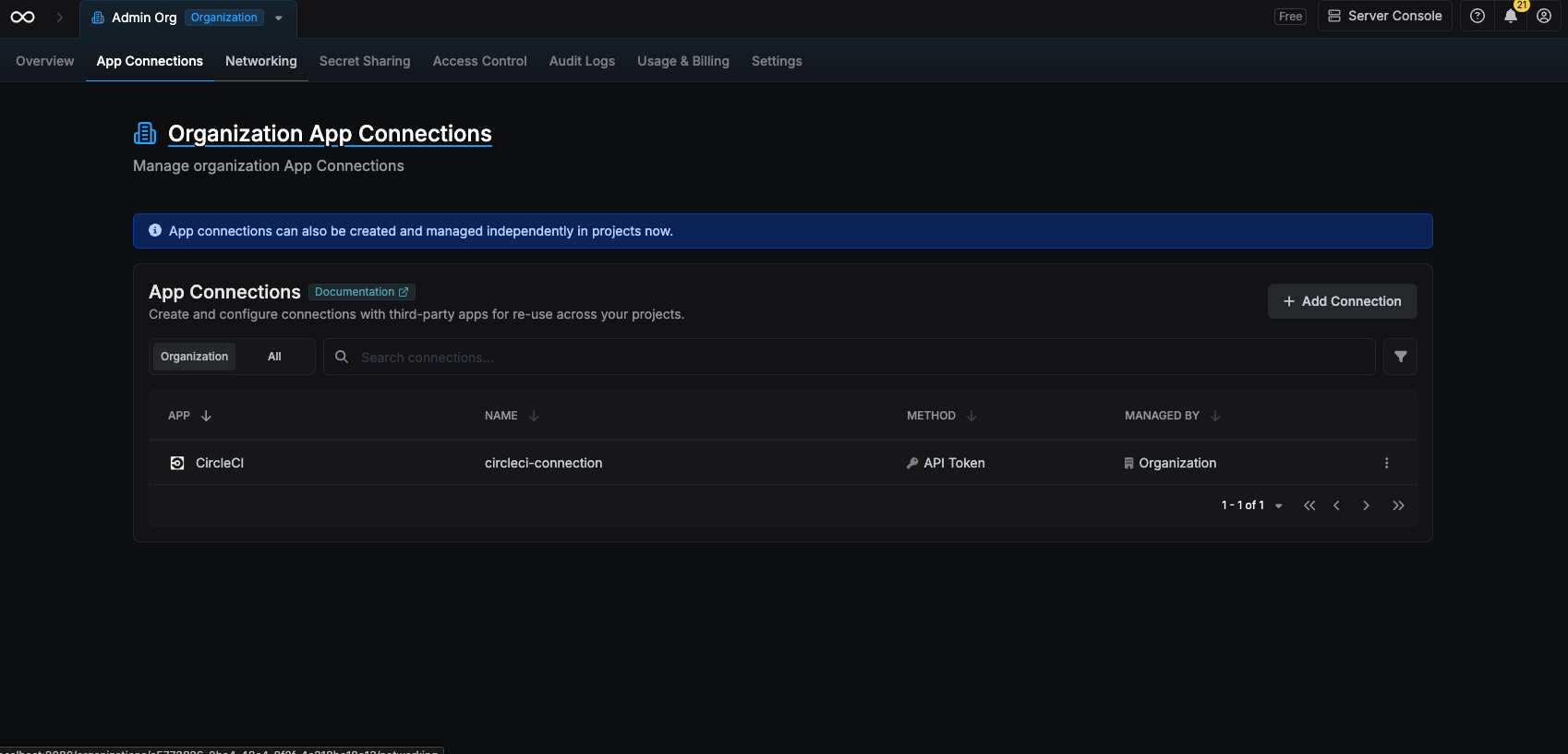
CircleCI requires the account user to have Read/Write or Admin permissions
Create a CircleCI API token
1
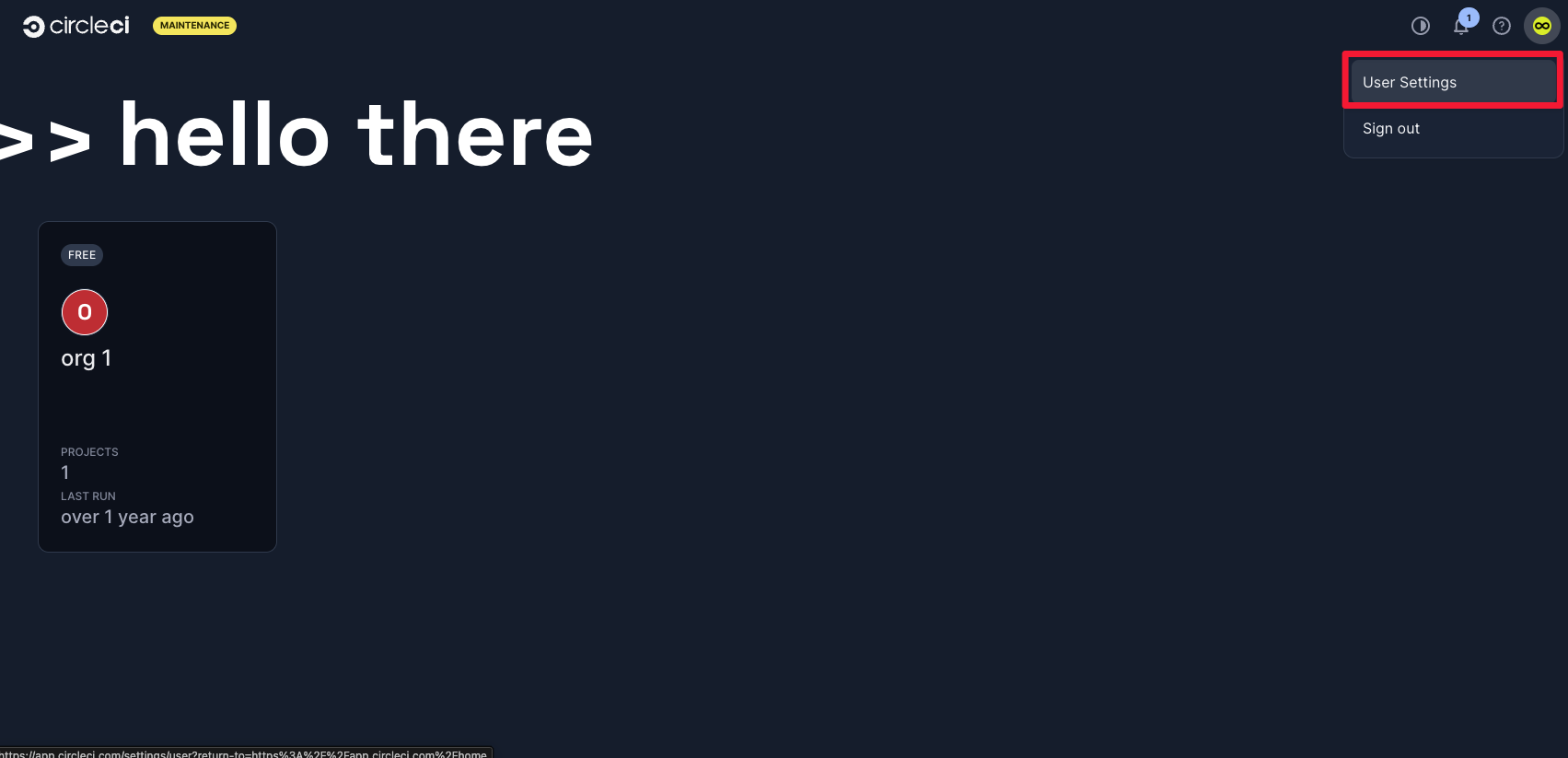
Click the profile image in the top-right corner and select 'User Settings'
2
In the user settings sidebar, select 'Personal API Tokens'
Click the “Create new token” button to create a new personal API token.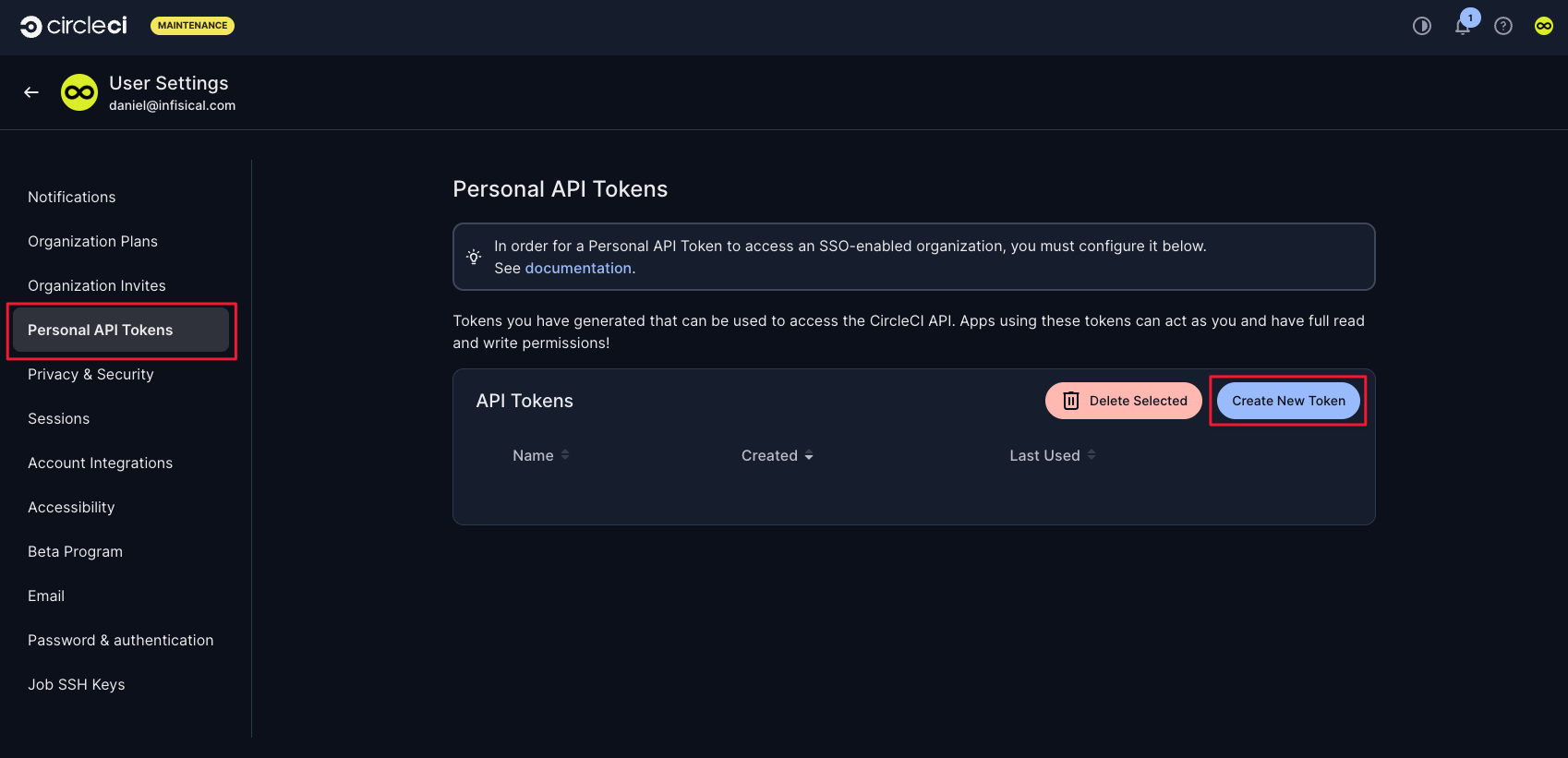
3
Set a name for the token and click 'Add API Token'
After creating the token, save the shown token value as it won’t be shown again.
You’ll need this token to configure your Infisical connection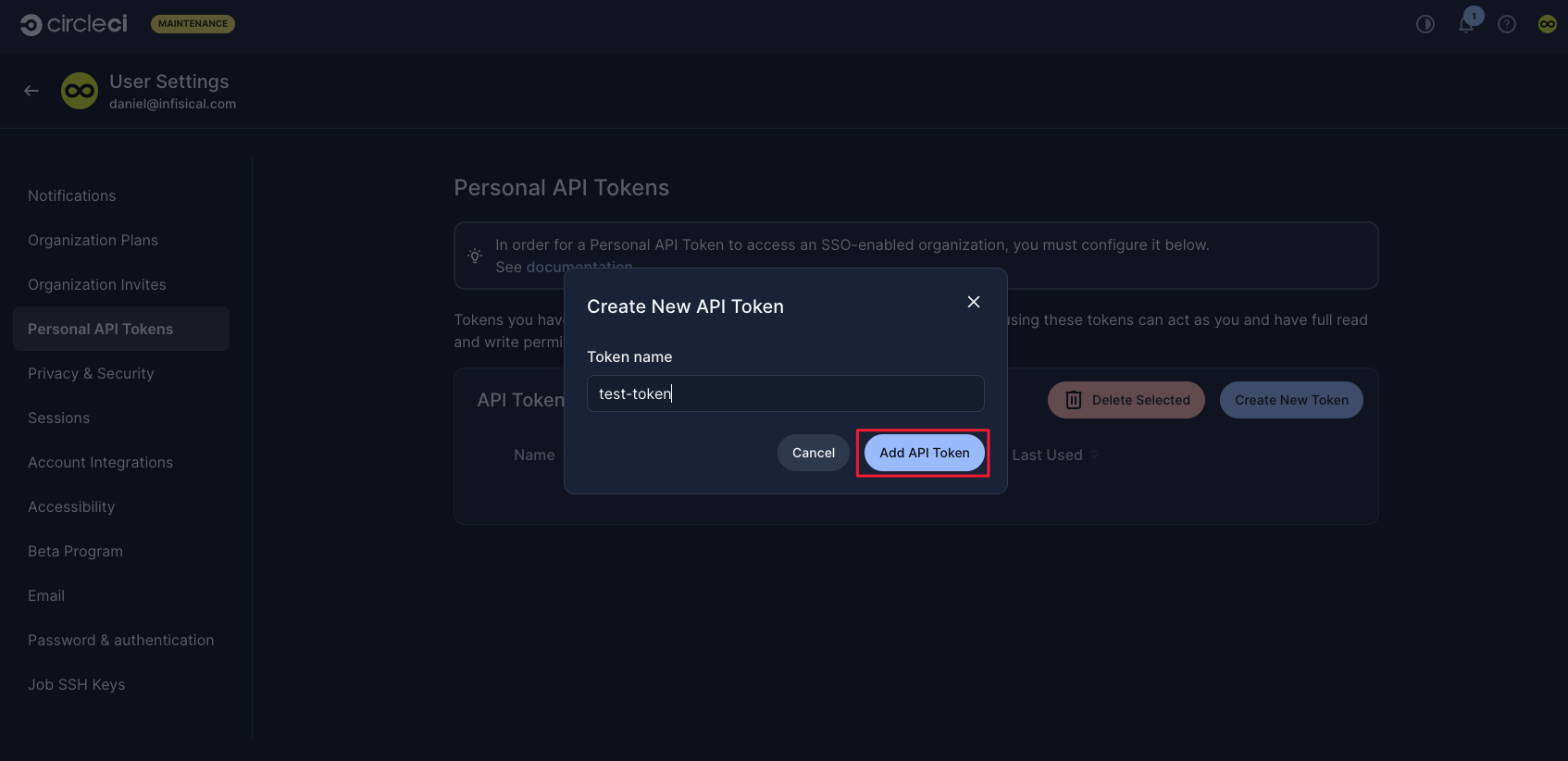
Create a CircleCI connection in Infisical
- Infisical UI
- API
1
Navigate to App Connections
In your Infisical dashboard, navigate to the Integrations tab in the desired project, then select App Connections.
2
Select CircleCI Connection
Click + Add Connection and choose CircleCI Connection from the list of integrations.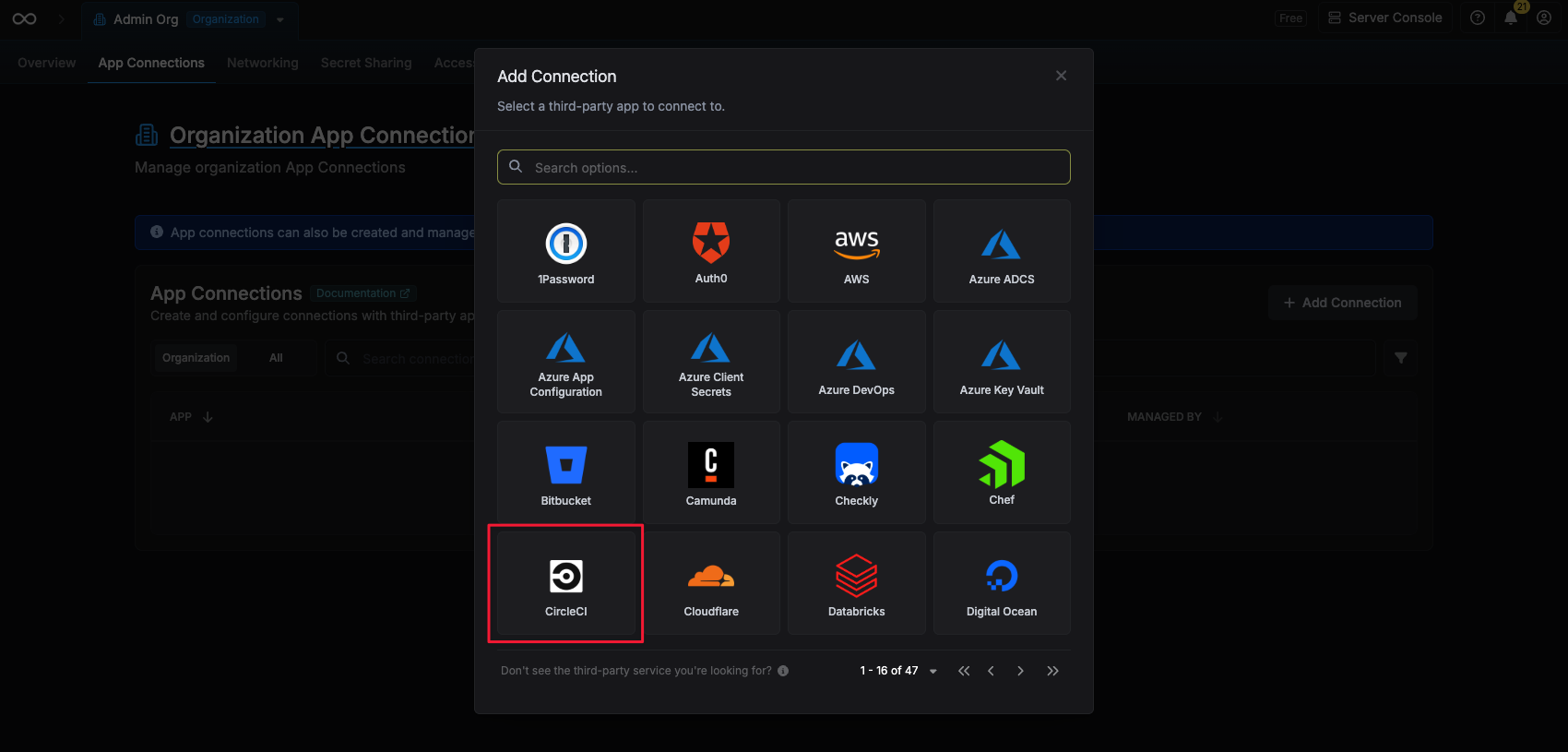
3
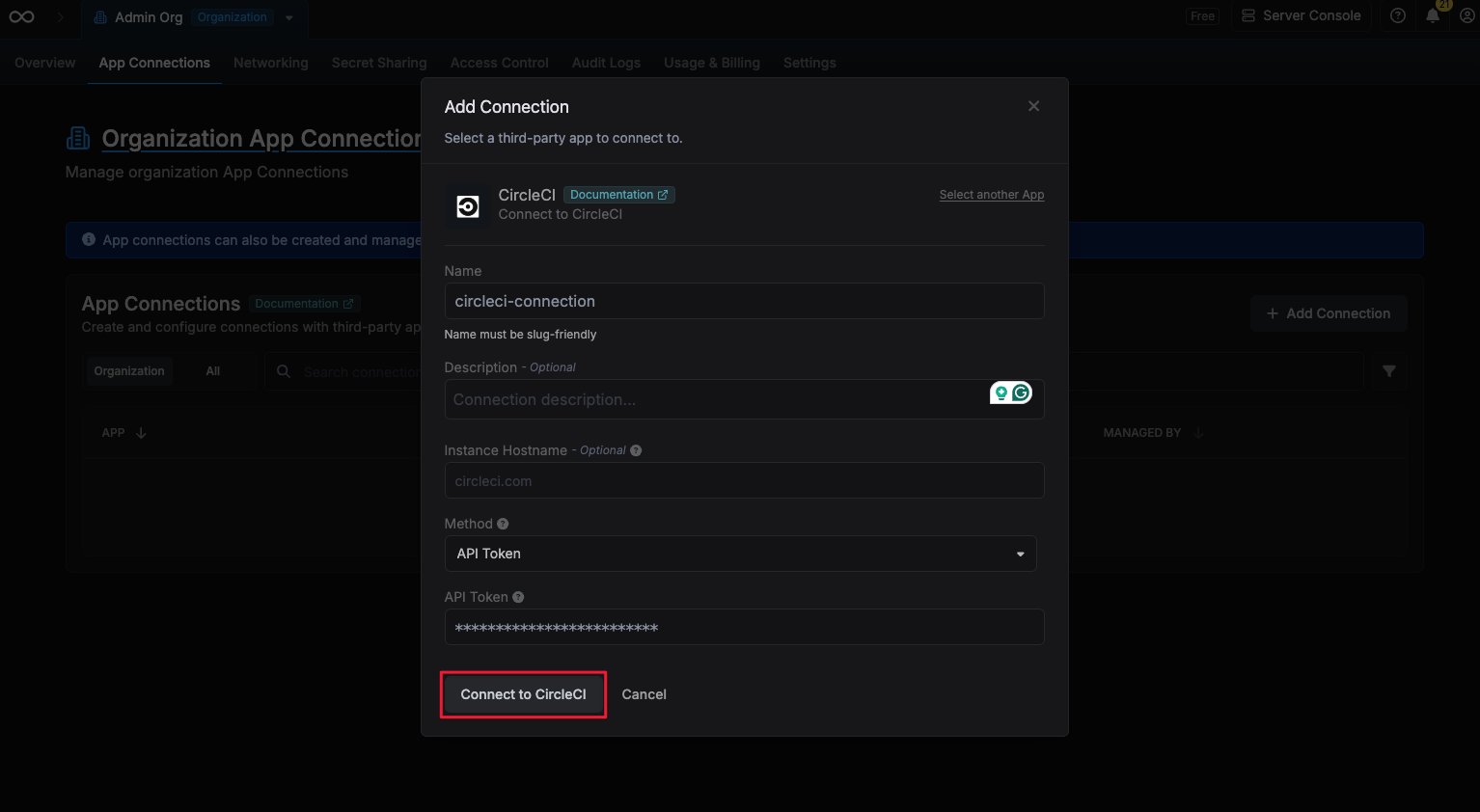
Fill out the CircleCI Connection form
Complete the form by providing:
- A descriptive name for the connection
- An optional description
-
The API Token value from the previous step
4
Connection created
After submitting the form, your CircleCI Connection will be successfully created and ready to use with your Infisical project.