Create Laravel Forge API token
1
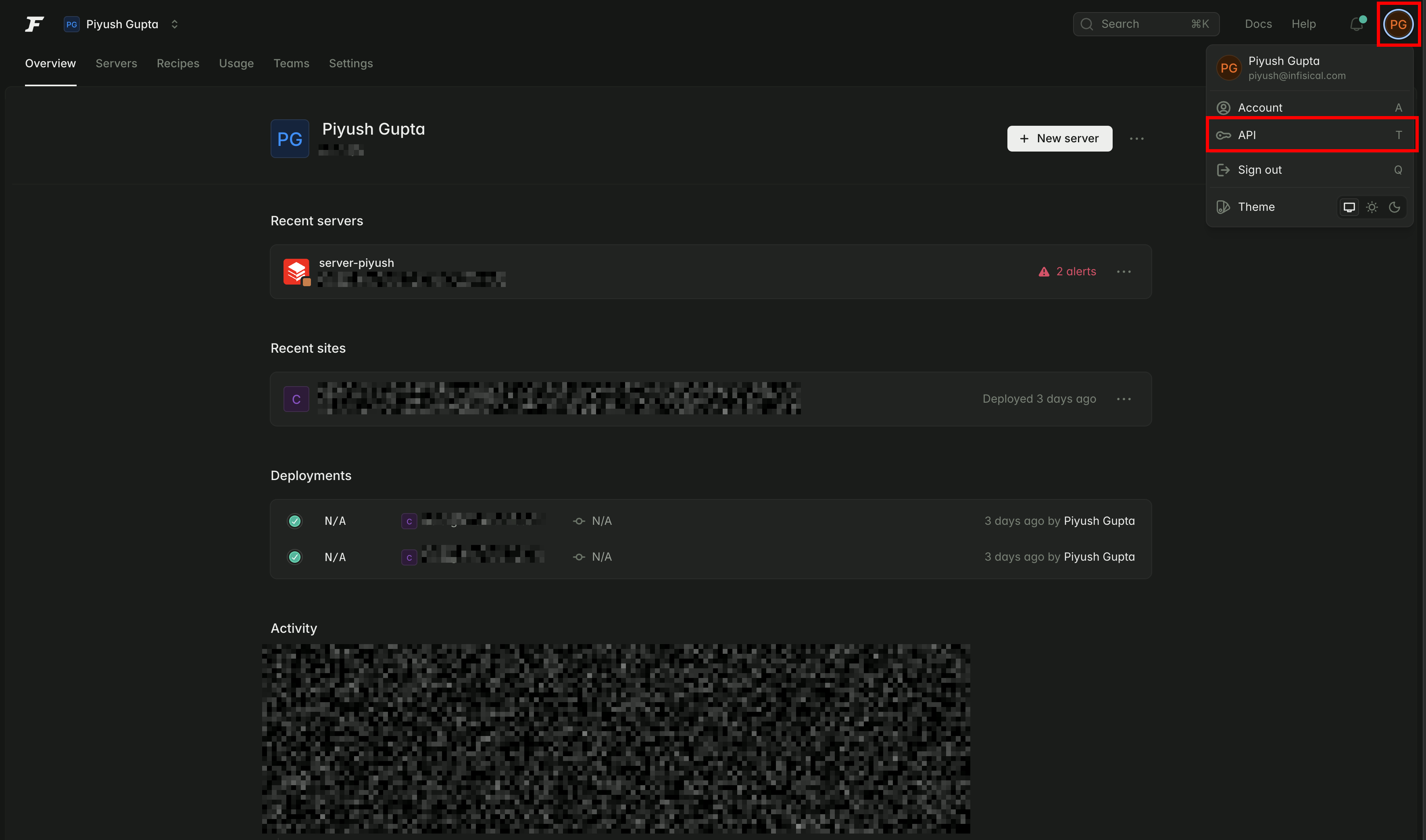
From your Laravel Forge dashboard, click on your user avatar and go to 'API'
2
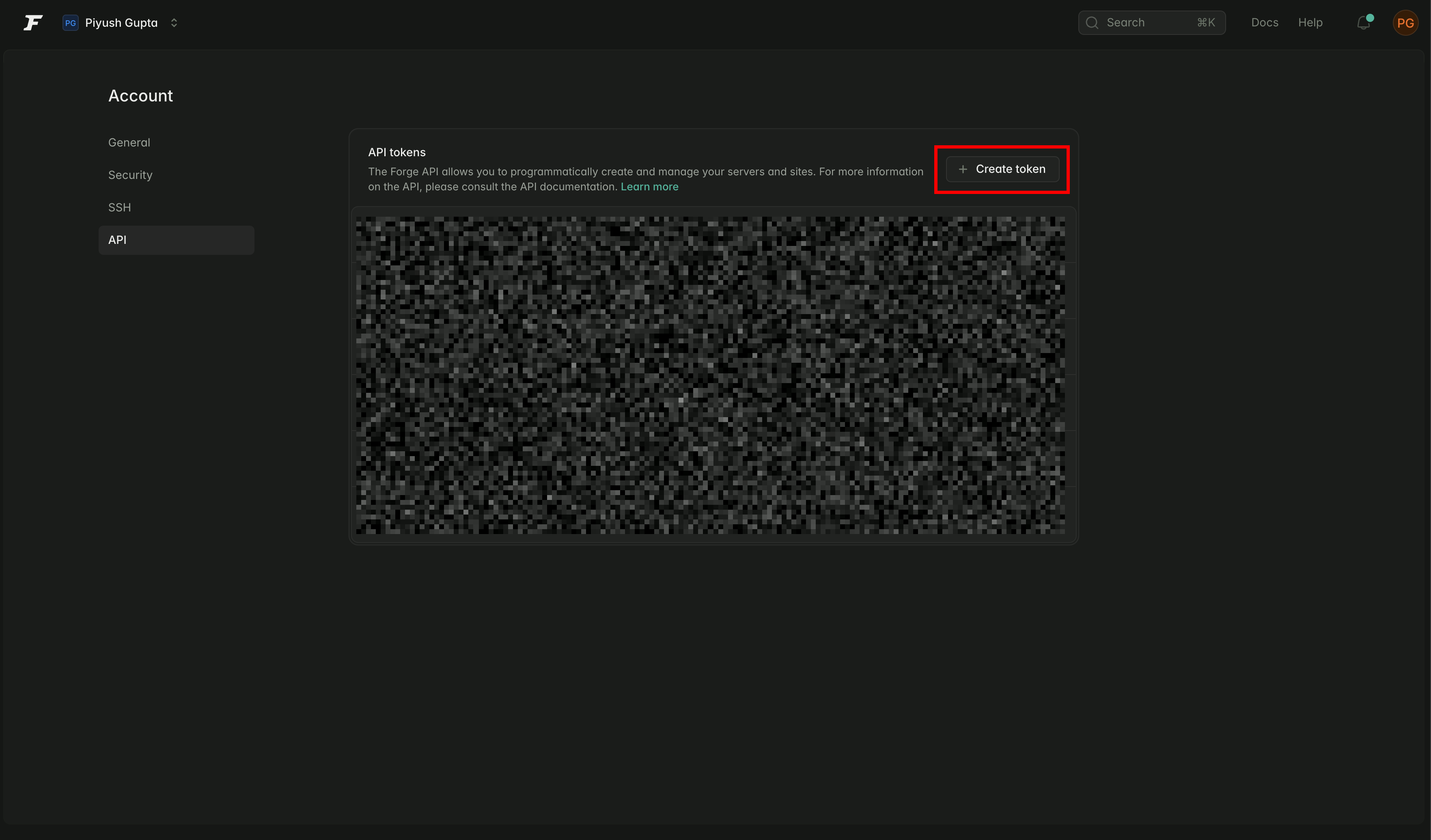
Click 'Create Token'
3
Provide Token Information
Provide a name for your token and select the following permissions: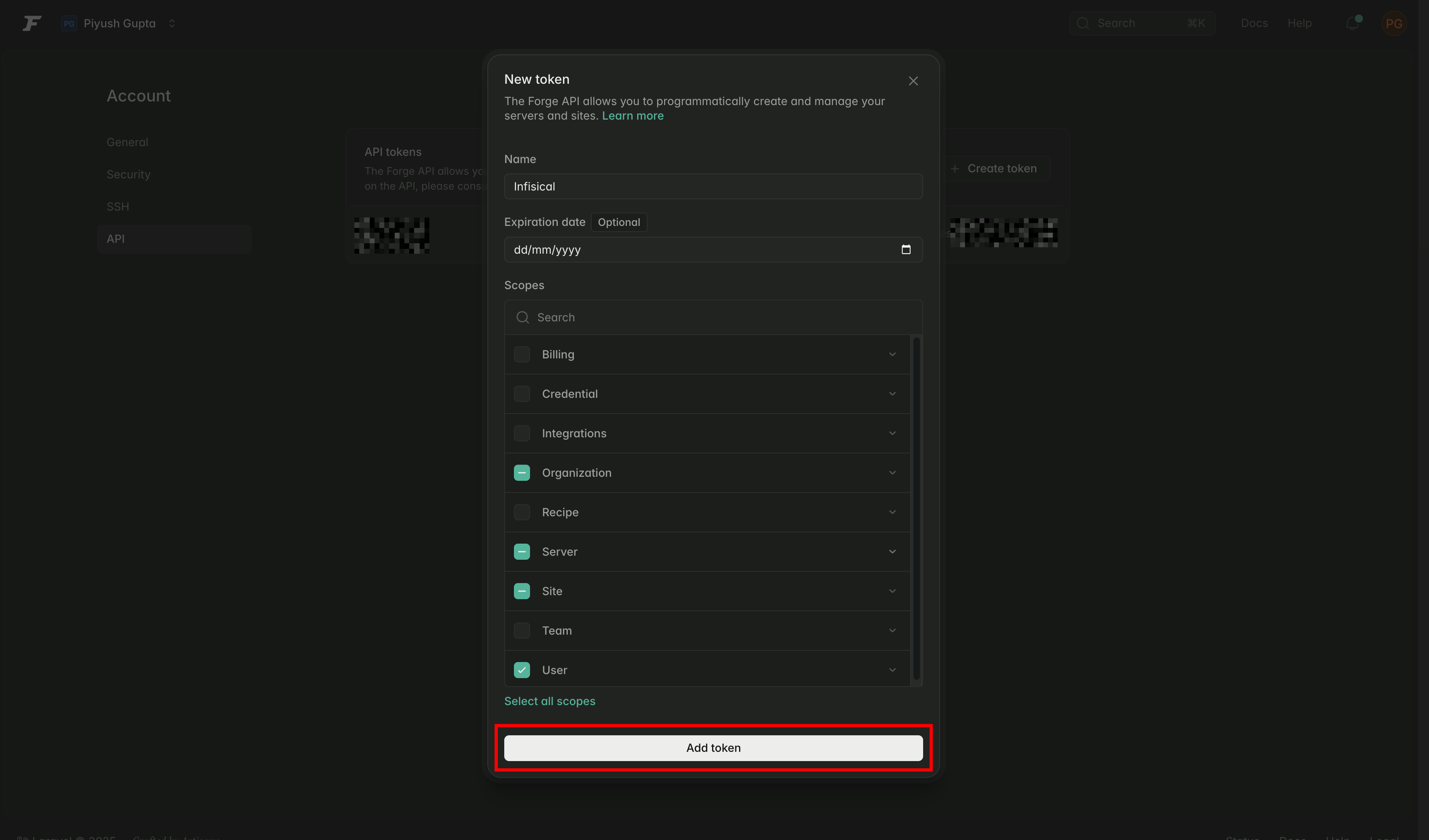
user:vieworganization:viewserver:viewsite:manage-environment
4
Copy the token securely
Make sure to copy the token now—you won’t be able to access it again.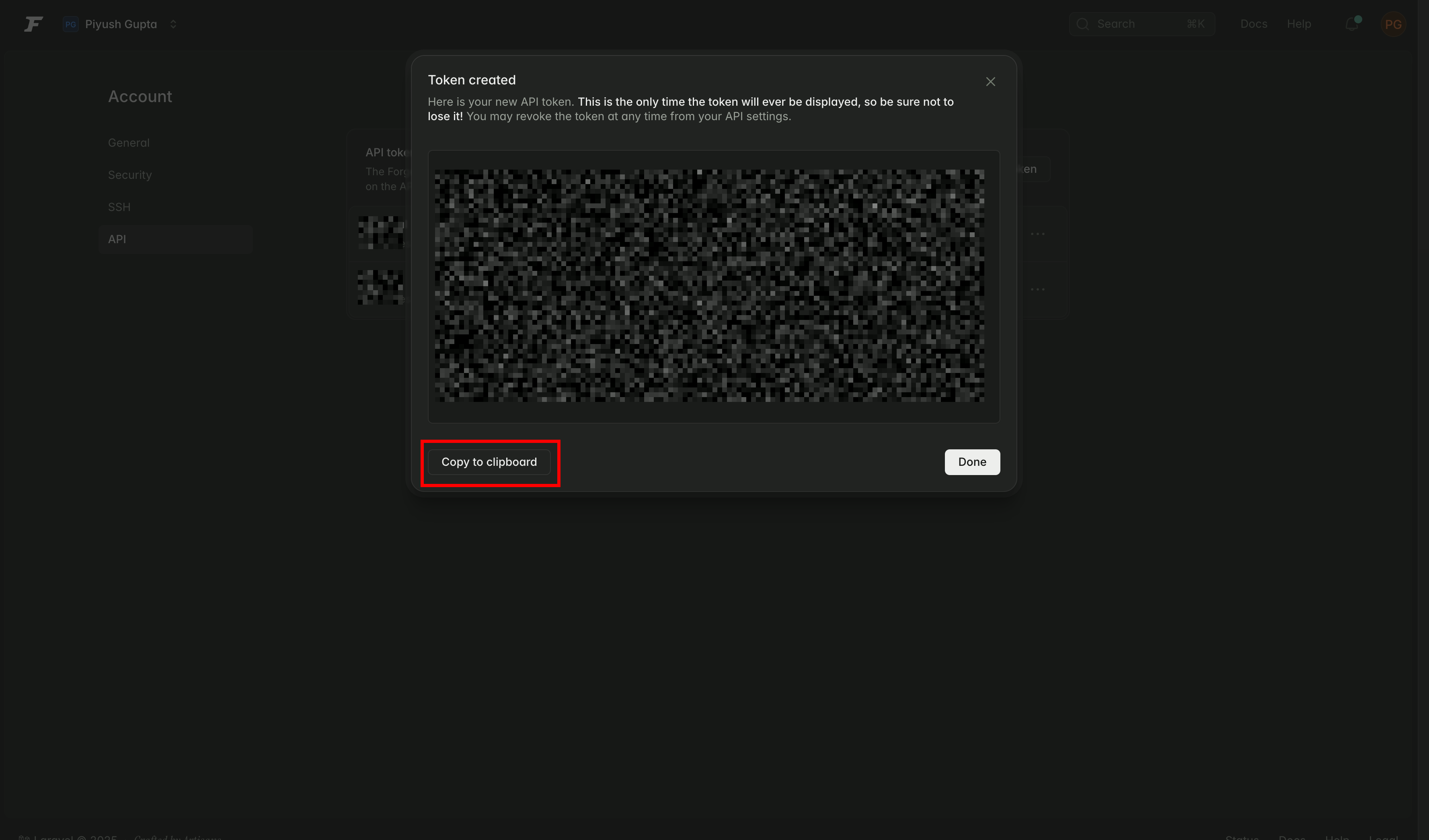
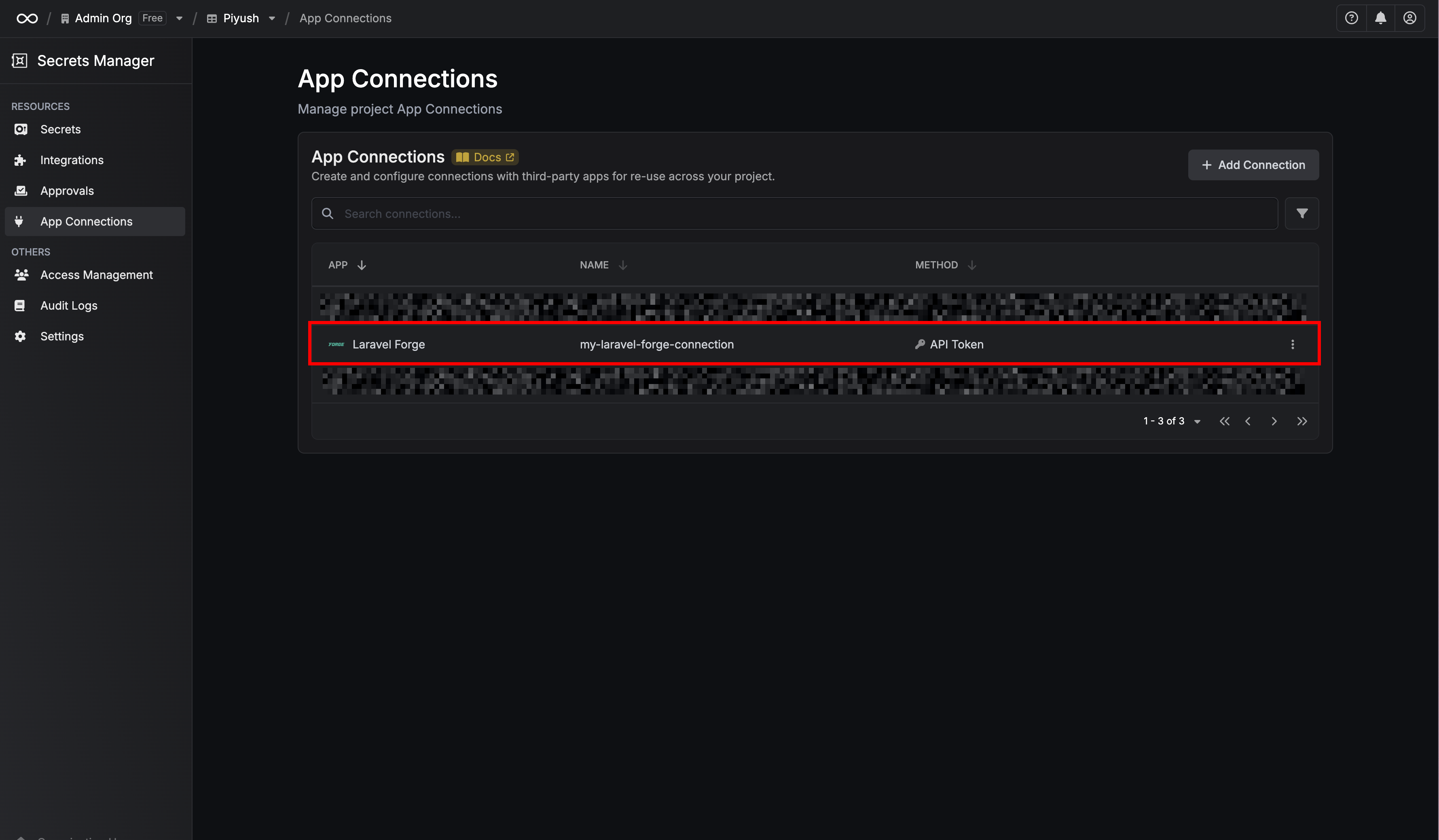
Create a Laravel Forge connection in Infisical
- Infisical UI
- API
1
Navigate to App Connections
In your Infisical dashboard, navigate to the Integrations tab in the desired project, then select App Connections.
2
Select Laravel Forge Connection
Select + Add Connection and choose Laravel Forge Connection from the list of integrations.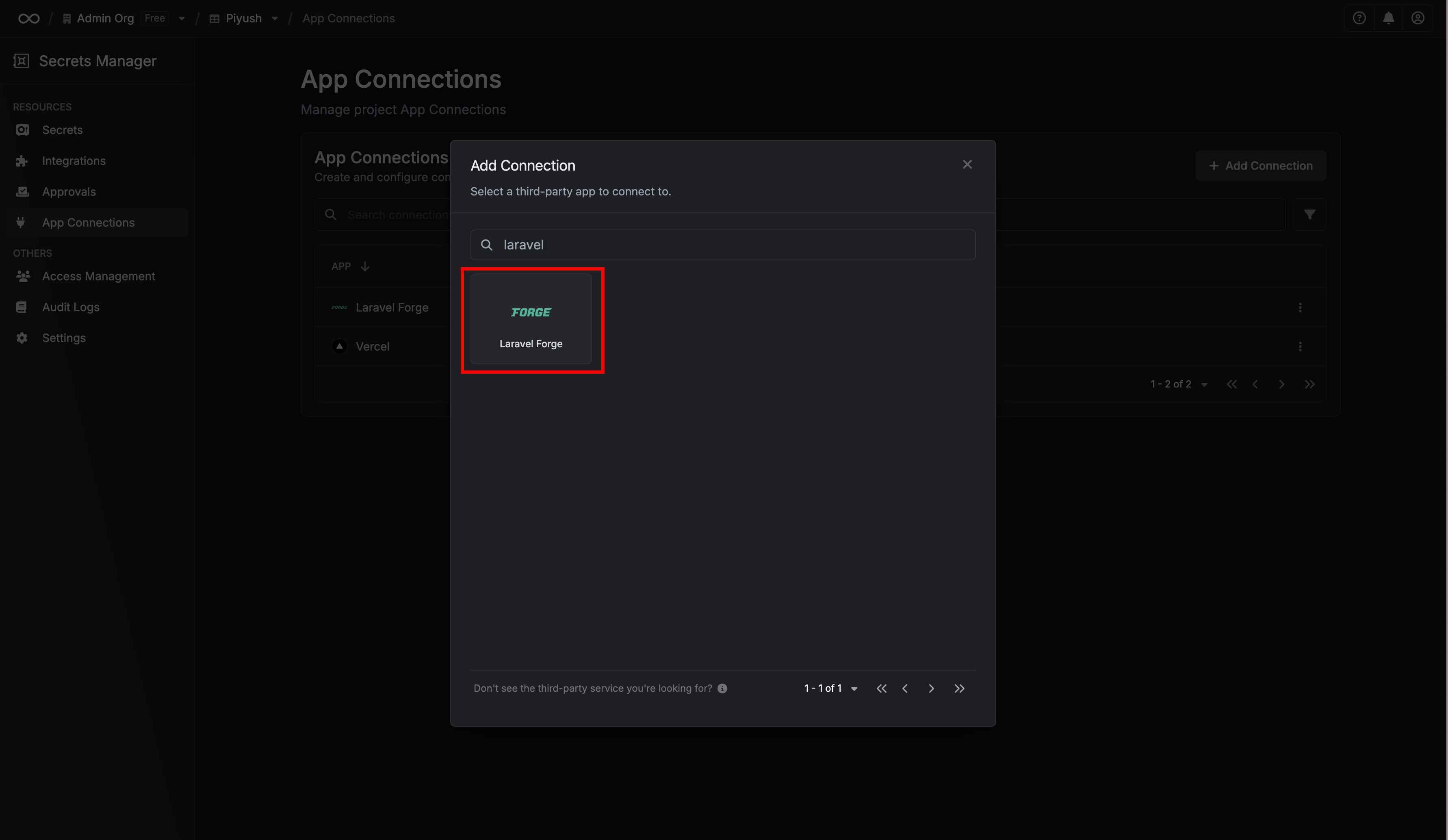
3
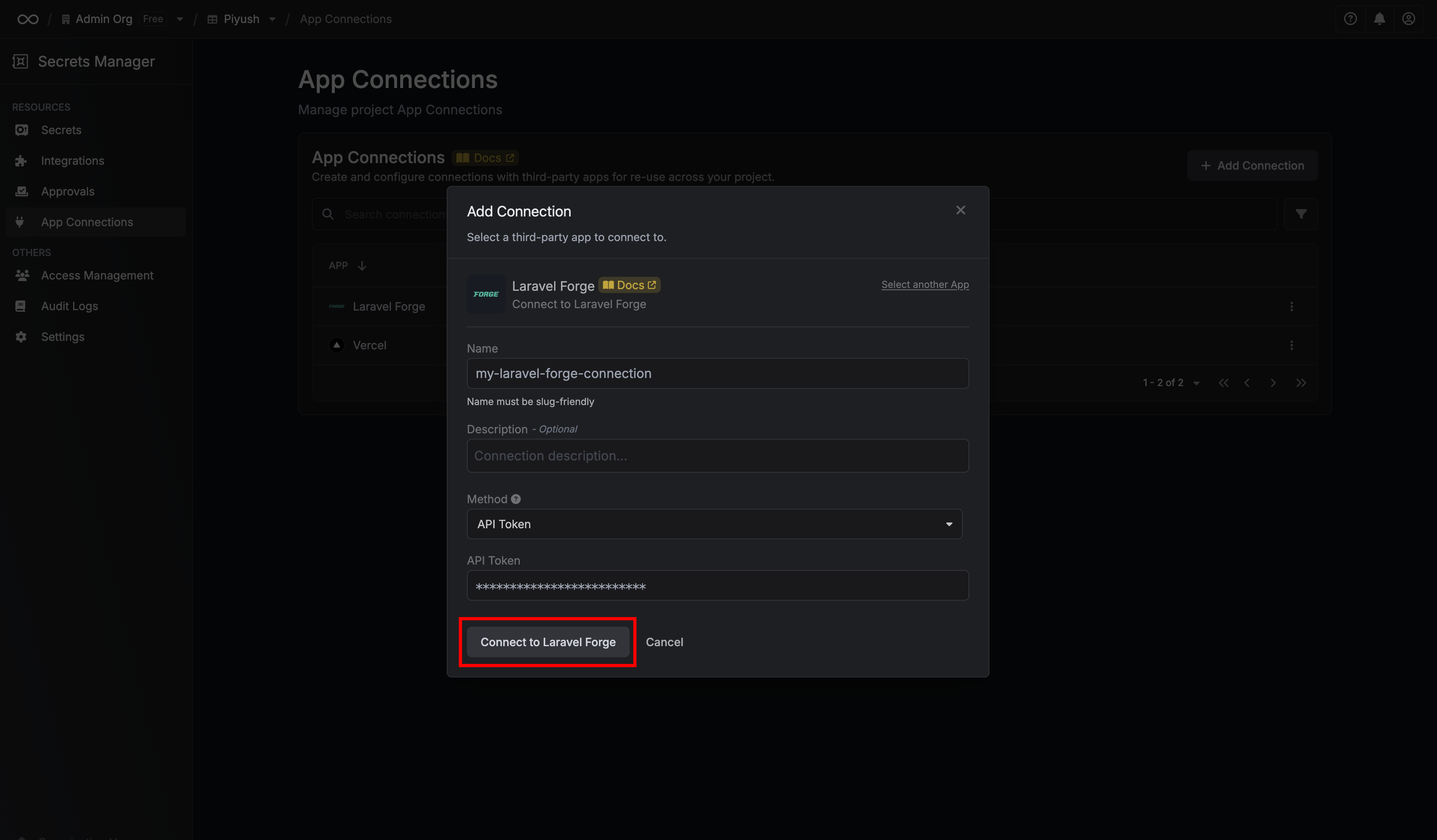
Fill out the Laravel Forge Connection form
Complete the form by providing:
- A descriptive name for the connection
- An optional description
- The API Token from the previous step
4
Connection created
After submitting the form, your Laravel Forge Connection will be successfully created and ready to use with your Infisical project.