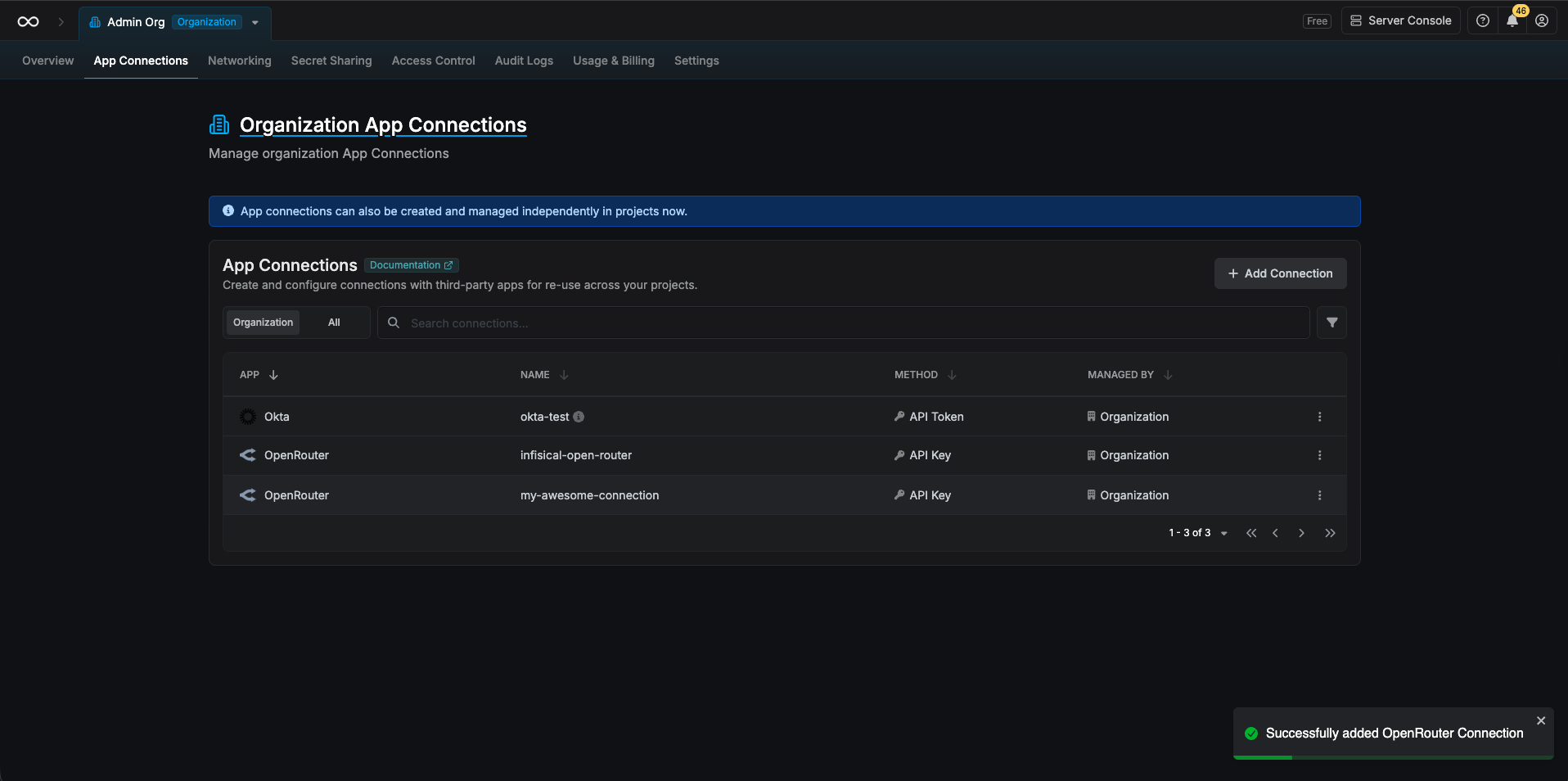
Prerequisites
You need a Provisioning API key from OpenRouter. Provisioning keys are used only for key management (create, list, delete keys)—they cannot be used for model completion requests.Create an OpenRouter Provisioning API Key
Navigate to Provisioning Keys
In OpenRouter Settings, go to Provisioning API Keys and click Create New Key.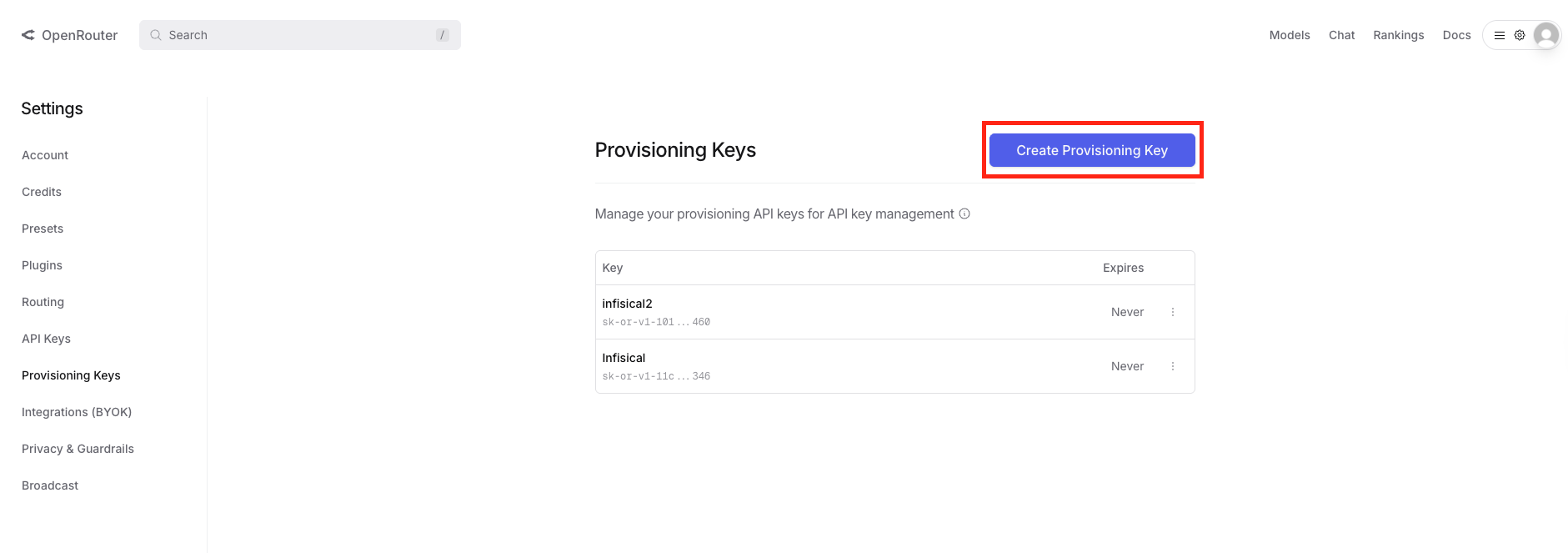
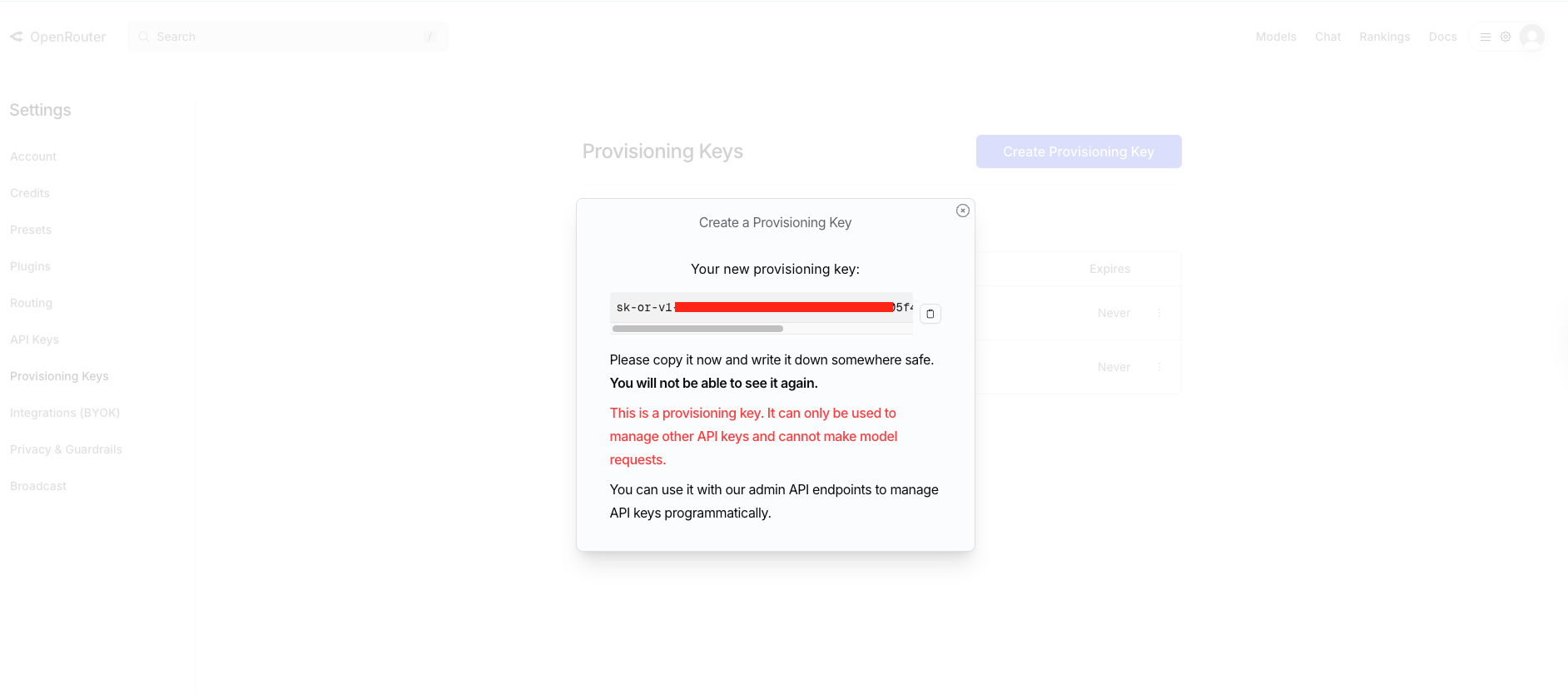
Create OpenRouter Connection in Infisical
- Infisical UI
- API
Navigate to App Connections
In your Infisical dashboard, go to Organization Settings → App Connections (or the App Connections page in your project).
Select OpenRouter Connection
Click Add Connection and choose OpenRouter from the list of available connections.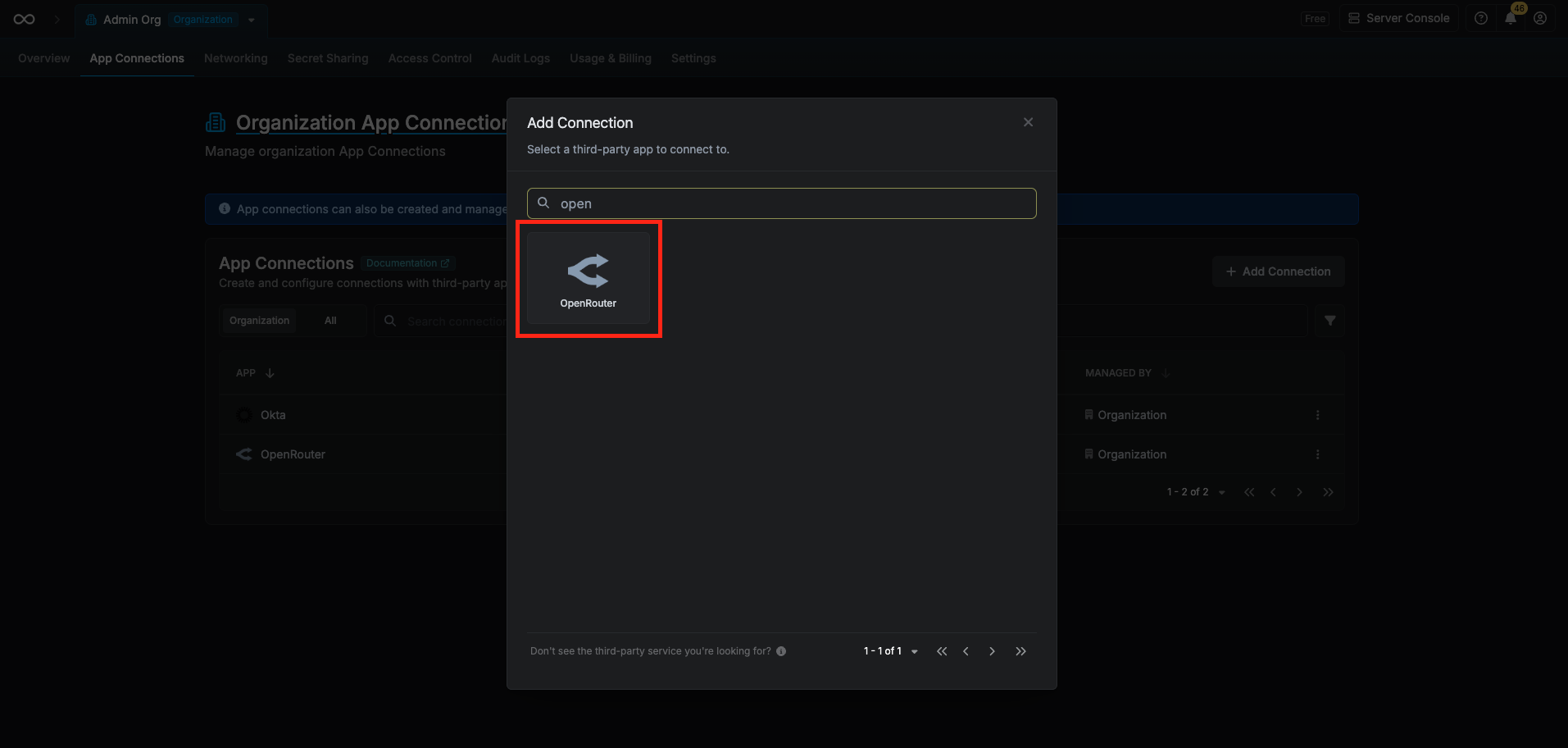
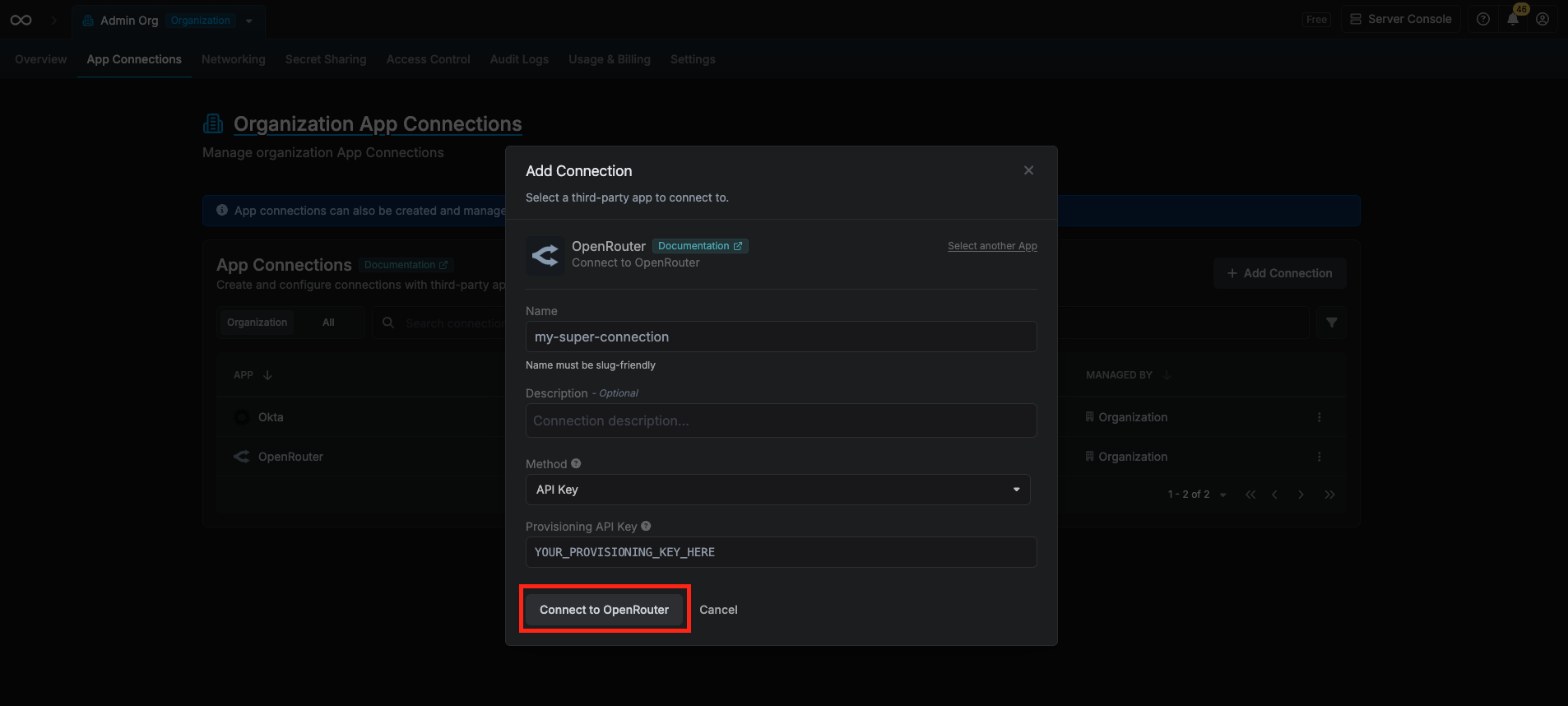
Fill out Connection Form
Complete the form with:
-
A name for the connection (e.g.
open-router-prod) - An optional description
-
Your OpenRouter Provisioning API Key (from the steps above)
Connection Created
After clicking Create, Infisical validates the key against OpenRouter’s API. Your OpenRouter Connection is then ready to use for OpenRouter API Key Secret Rotation.